
ENSCAPE SCENE
 RESIDENTIAL ENSCAPE SCENE
A complete exterior house scene for Enscape, with day and night setups.
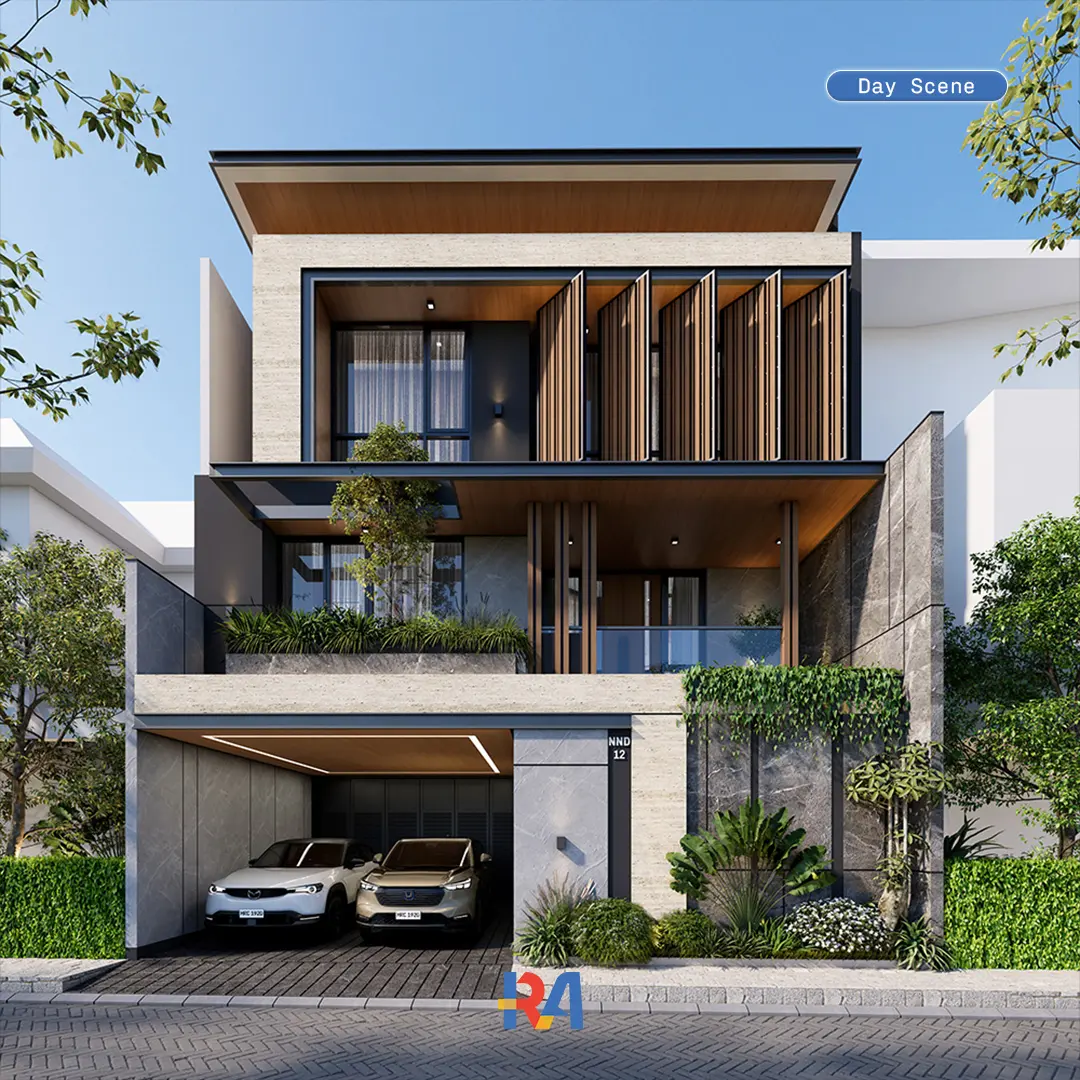
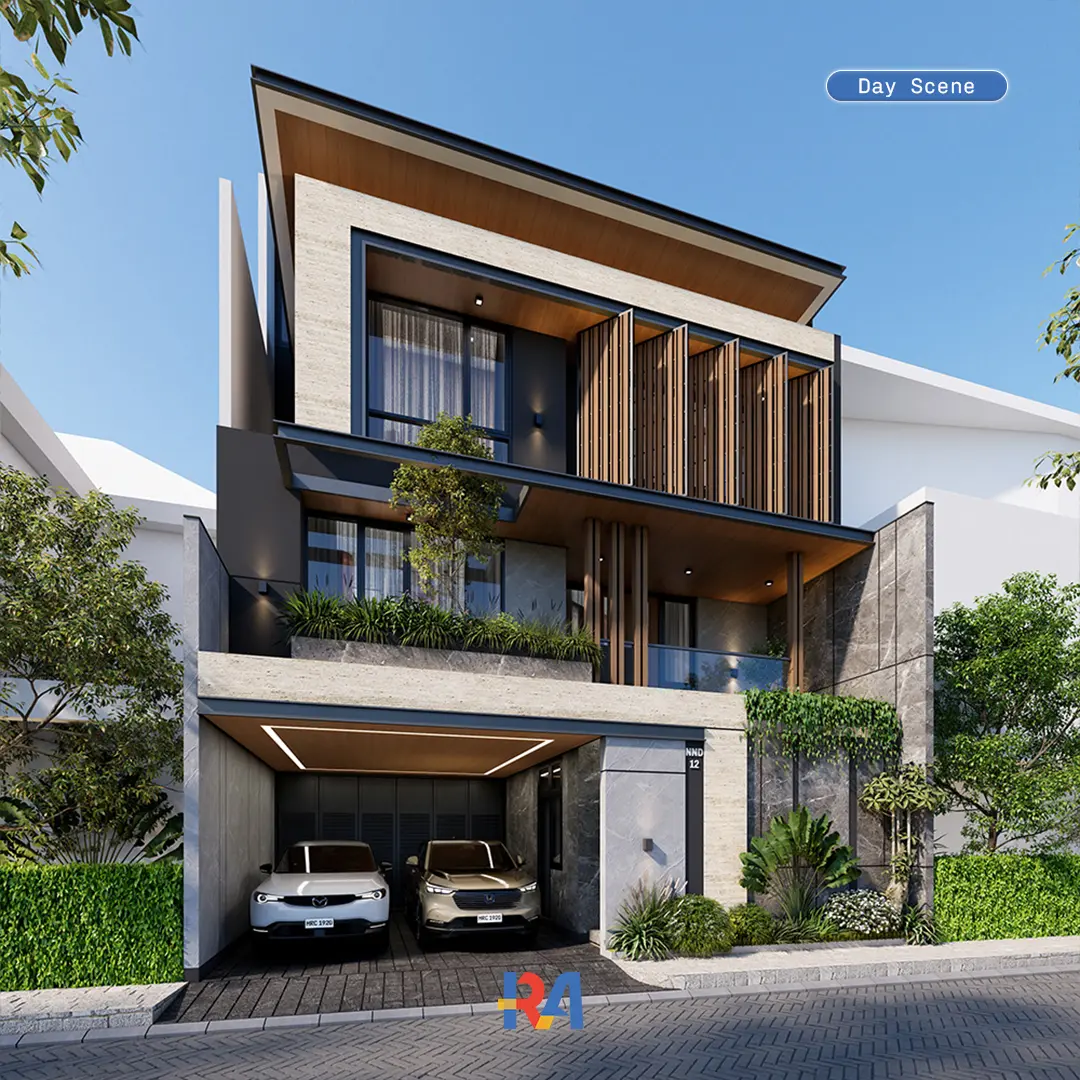
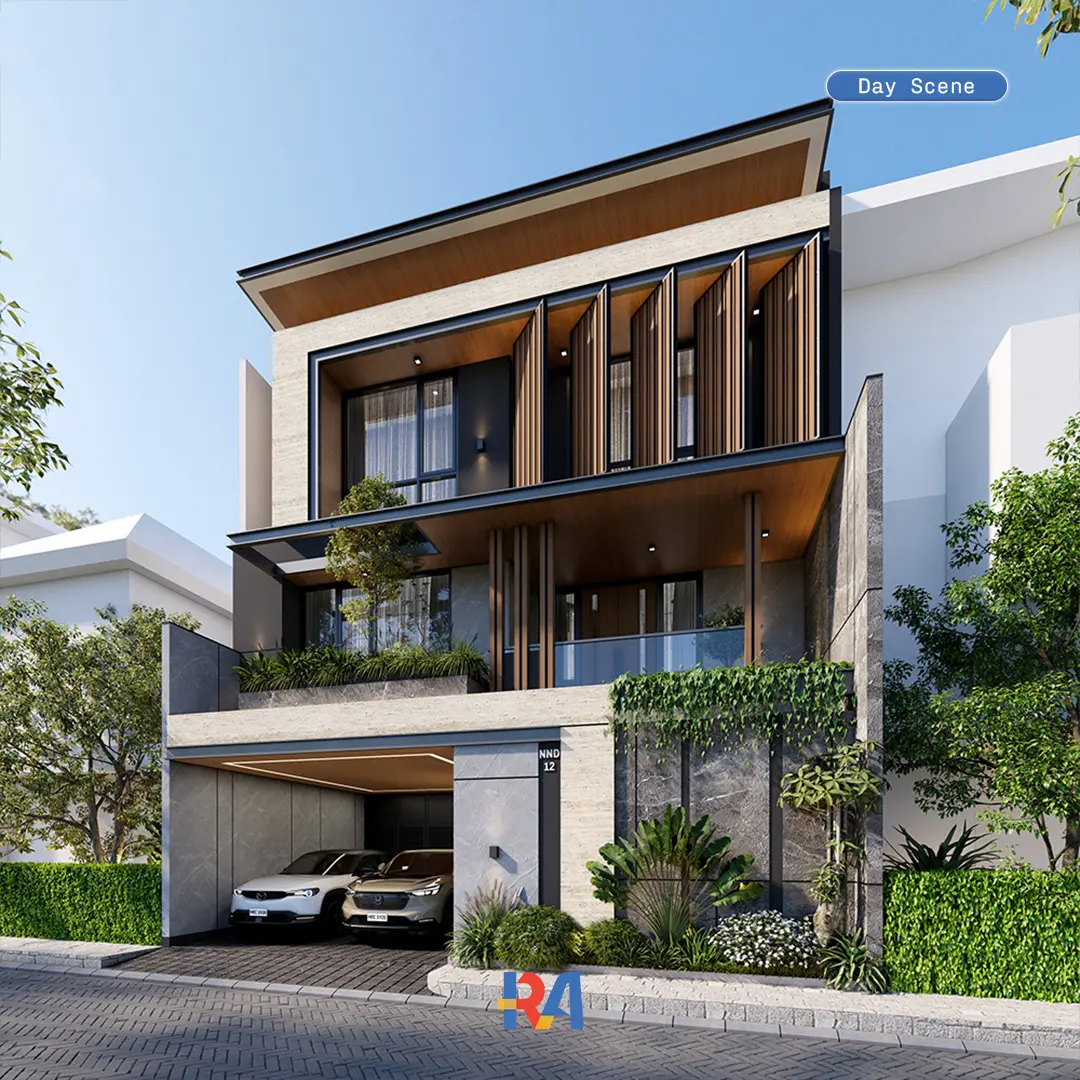
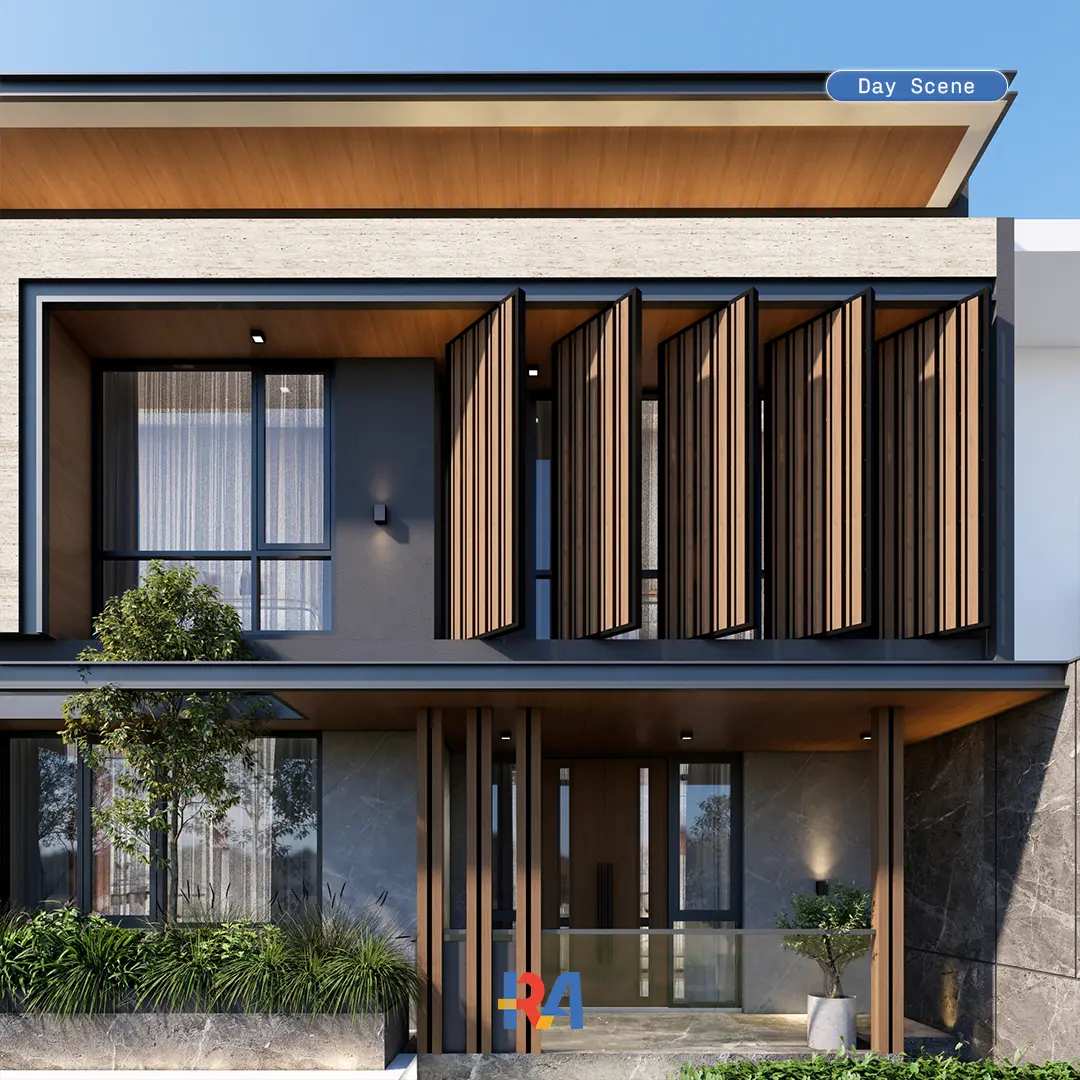
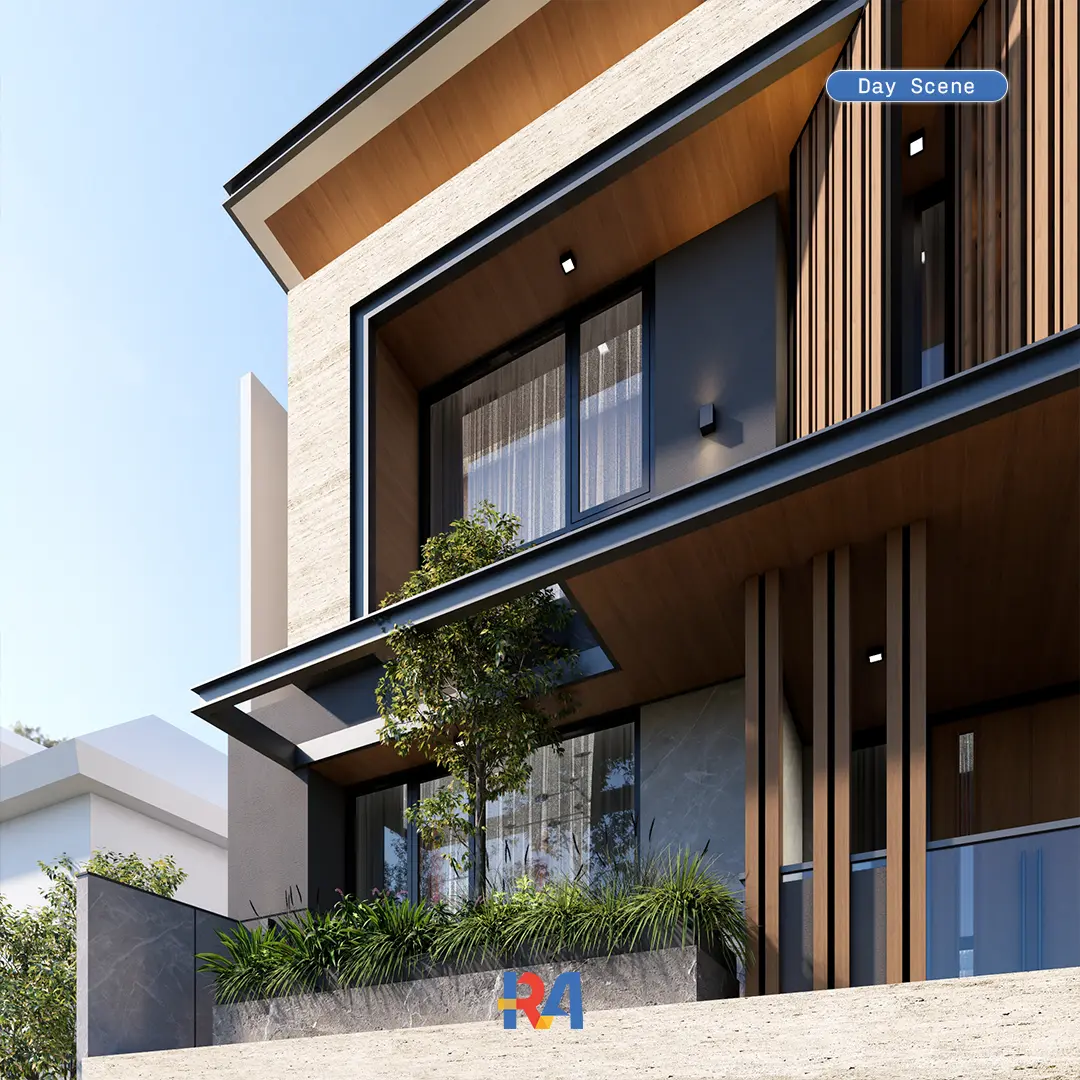
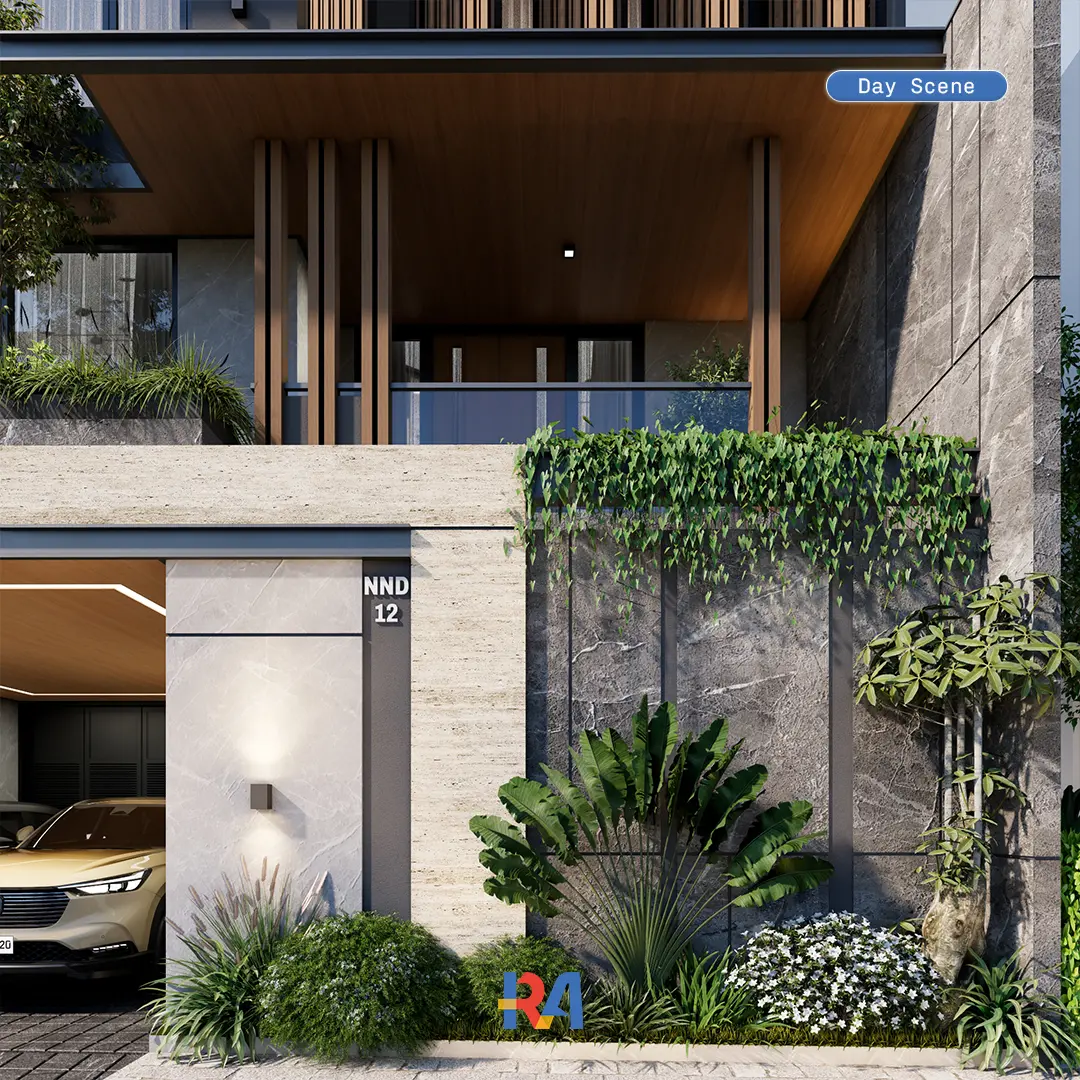
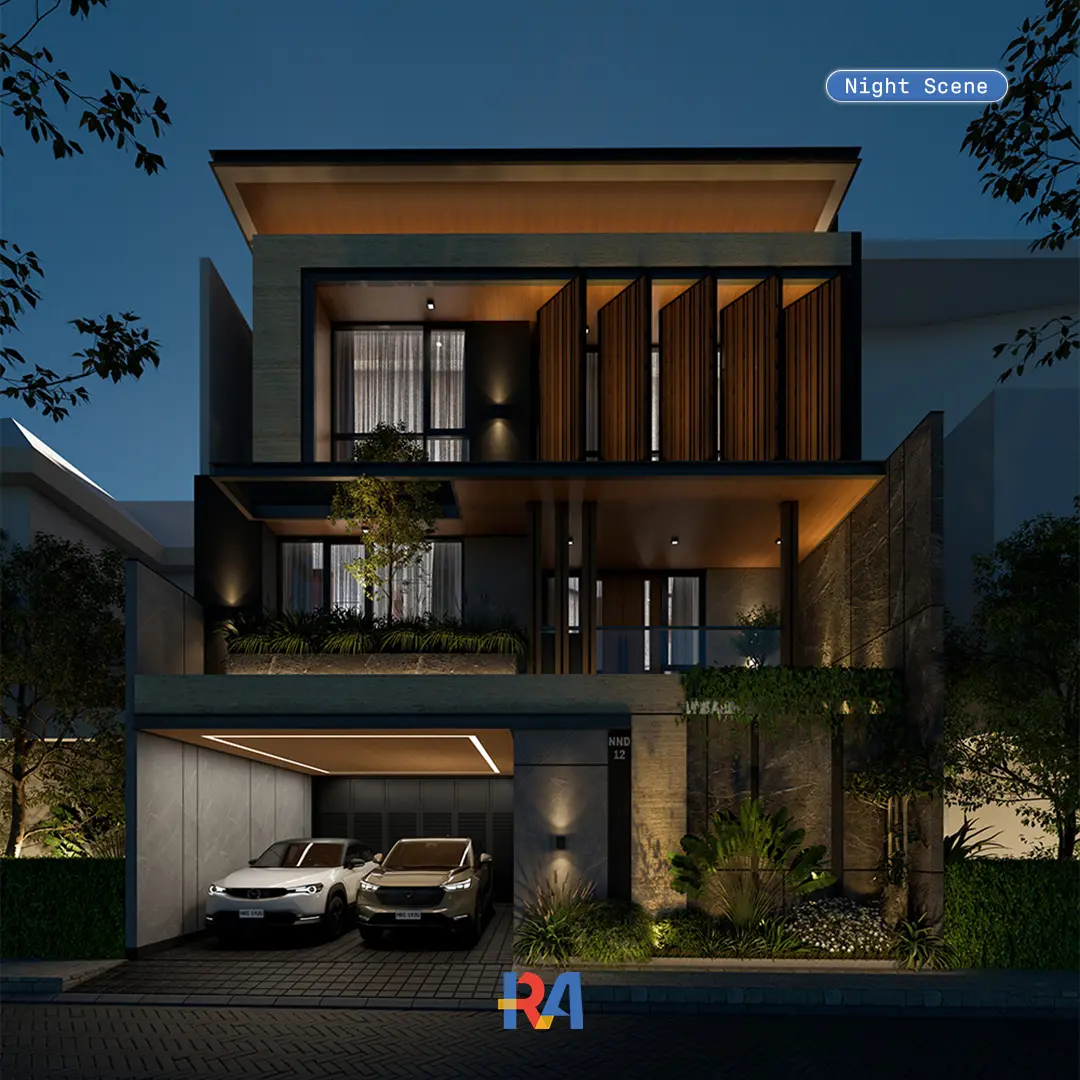
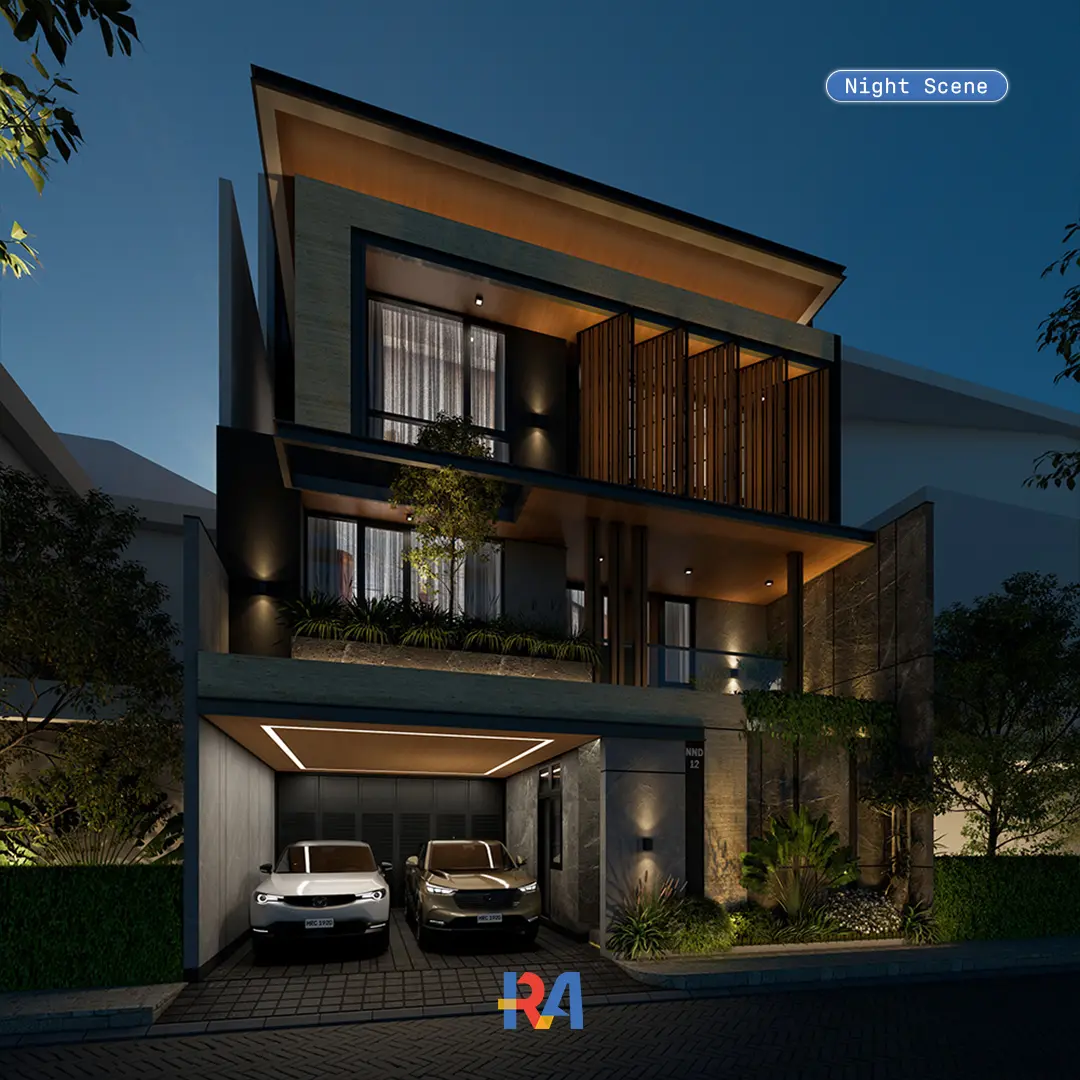
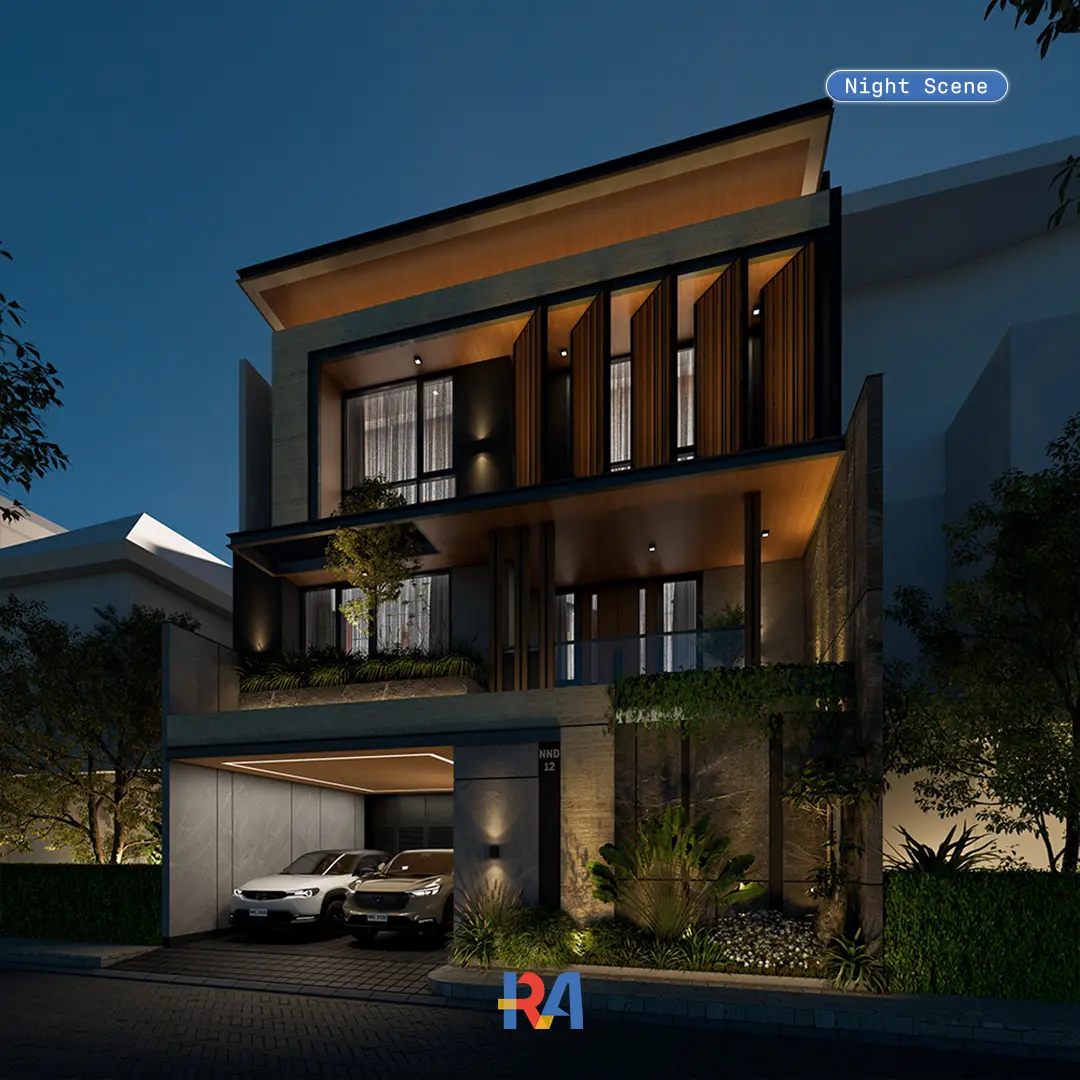
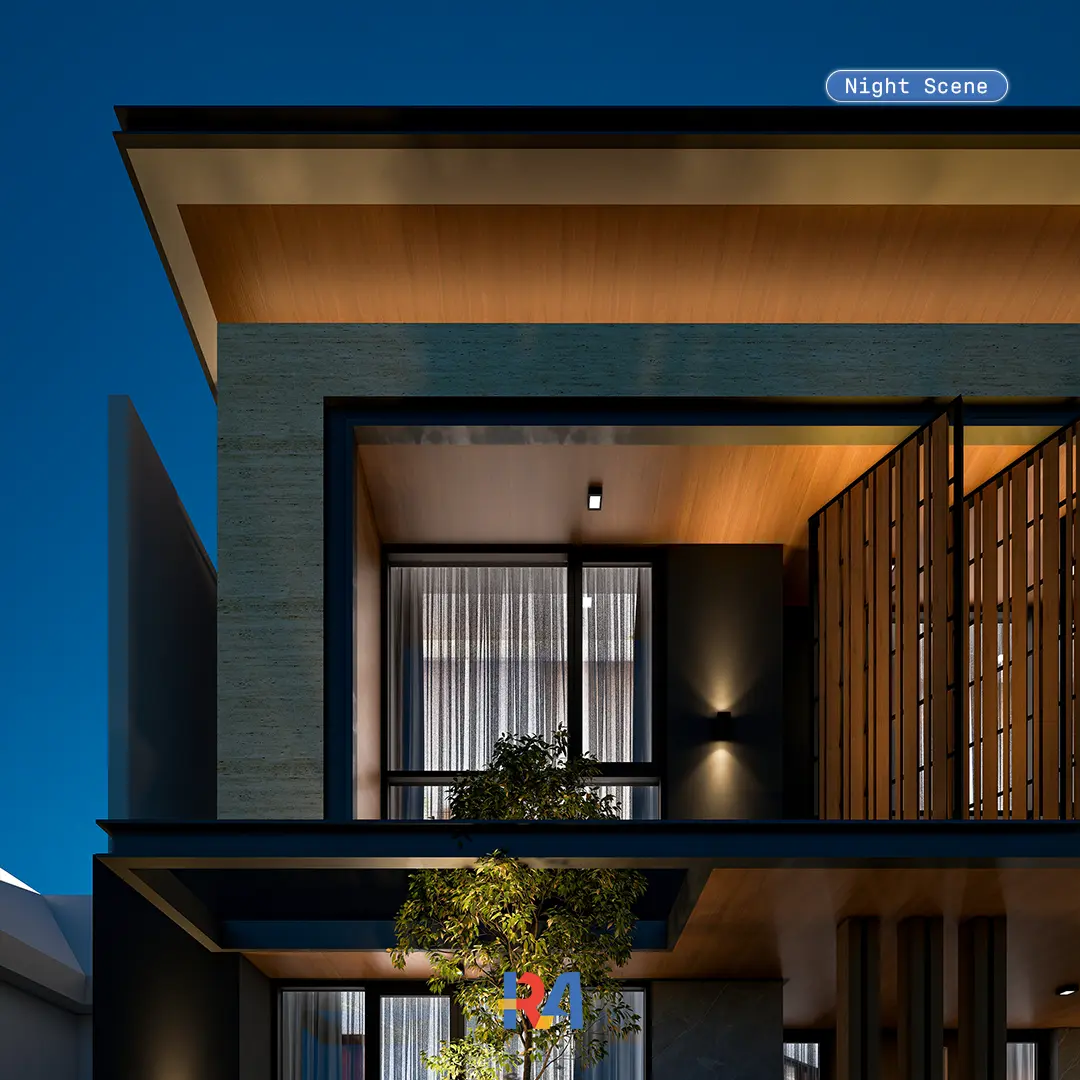
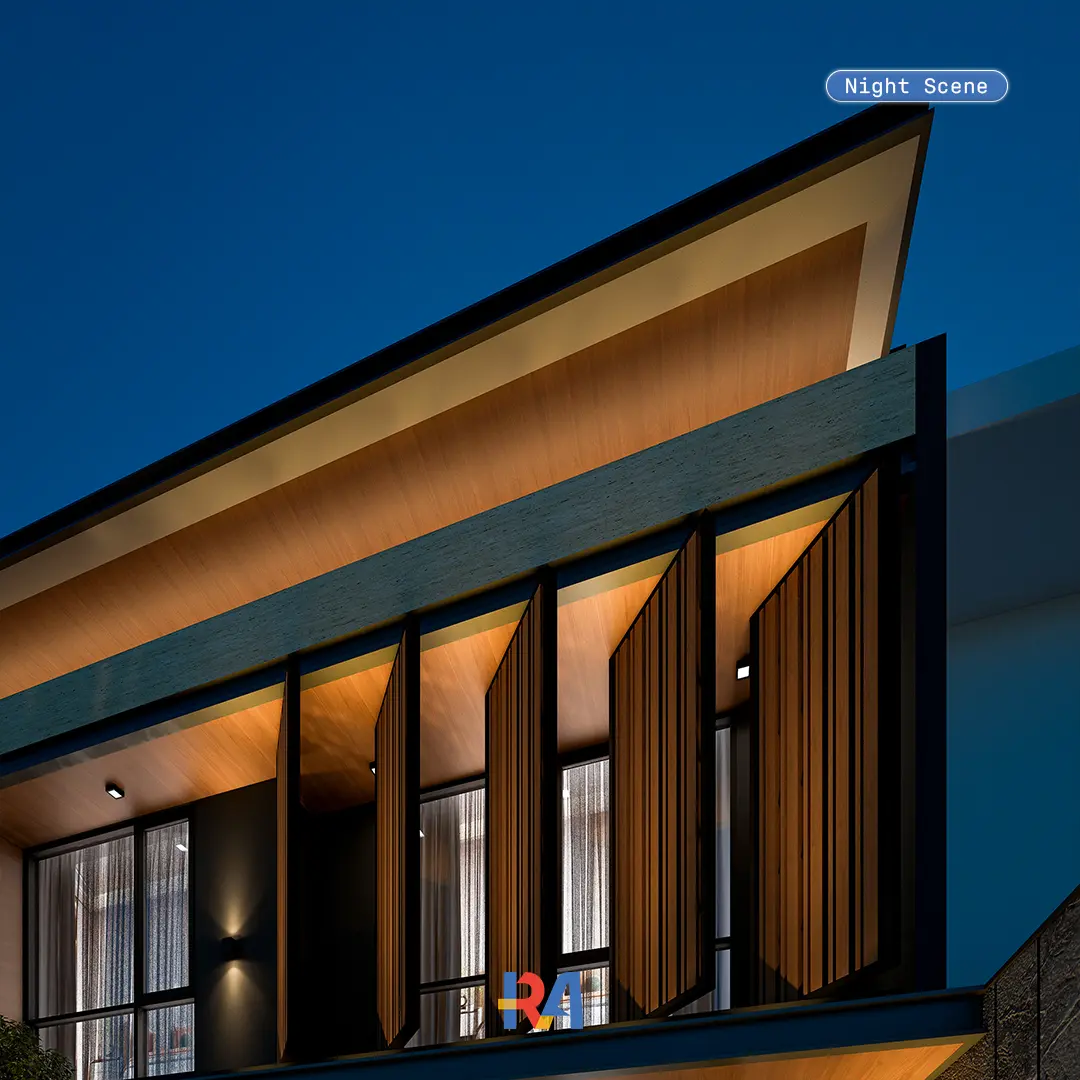
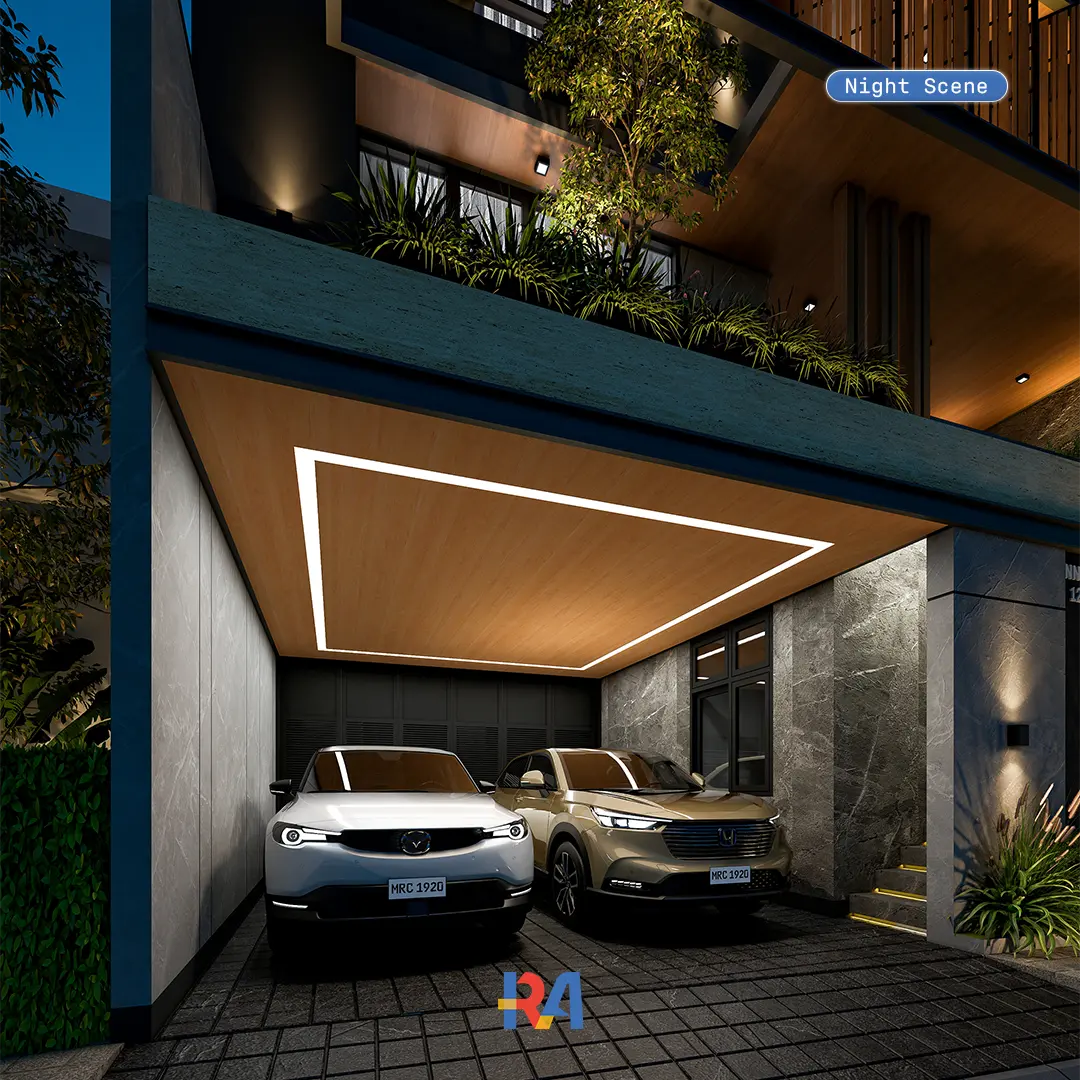
Lunaria Grove is a complete D5 Render scene, built as a production-ready residential workflow. Open the .d5a scene or the editable SketchUp file, and the lighting, vegetation, materials, and camera angles are already set up for you. It is ready to render straight away, and organized cleanly enough to study and reuse on your own client projects.
What is inside this Enscape exterior scene
2 Enscape presets, one for day and one for night, ready to apply
3D exterior house model in SketchUp (.SKP) format
2 premium vehicle collections, pre-set and ready to place
2 HDRI files in 8K, one for the day scene and one for the night scene
Premium Enscape assets to speed up your workflow
PBR materials from 2K to 8K for realistic surfaces
Material package with auto-setting on import
Video tutorial so you can follow every step
Day and night in one scene
You get two complete moods from a single house. Switch to the day preset for bright, natural exteriors, or the night preset for warm, dramatic lighting. Each preset is paired with its own 8K HDRI, so the sky and the light always match the time of day.
Render-ready, no post-production needed
The sample images are rendered straight from Enscape, with no Photoshop editing. The materials, lighting, and camera are already balanced, so what you see is what you render. You are free to edit afterwards, but you do not have to.
Software compatibility
The Enscape presets work with Chaos Enscape on SketchUp, Rhino, Archicad, Revit, and Vectorworks. The 3D model is delivered in SketchUp (.SKP) format. Minimum Enscape 3.5, with 4.0 or newer recommended for the best performance.
Who this is for
Architects, interior designers, and 3D visualizers who want a fast, realistic exterior render without building a scene from scratch. It also works as a study file, so you can open it and learn how the lighting and materials are put together.
LICENSE
Licensed for single-user personal and commercial use. Resale, redistribution, or modification for resale is not permitted. As this is an instantly-delivered digital product, refunds are not available. One-time payment. No subscriptions.
FAQs
01
Which button should I click "Beli Sekarang" or "Buy Now"?
Both buttons give you the exact same product. The difference is currency and payment method.
Beli Sekarang (Lynk.id), for Indonesian buyers: payment in IDR (Rupiah) via bank transfer, virtual account, e-wallet (GoPay, OVO, DANA, ShopeePay), or QRIS.
Buy Now (Payhip), for international buyers: payment in USD via credit or debit card (Visa, Mastercard) or PayPal.
02
Does this include the 3D house model, or only the presets?
It includes the full 3D exterior house model in SketchUp (.SKP) format, together with the day and night presets, HDRI, vehicles, and materials. This is a complete scene, not presets on their own.
03
Which software does it work with?
The Enscape presets work with Enscape on SketchUp, Rhino, Archicad, Revit, and Vectorworks. The 3D model itself is provided in SketchUp (.SKP) format.
04
Which Enscape version do I need?
Enscape 3.5 is the minimum. Version 4.0 or newer is recommended for the best performance and the closest match to the sample renders.
05
Do I get both the day and the night scene?
Yes. Two presets are included, one for day and one for night, and each comes with its own 8K HDRI.
06
Do the renders need editing in Photoshop?
No. The sample renders come straight from Enscape with no post-production. You can edit afterwards if you want, but it is not required.
07
Can I use this for client and commercial projects?
Yes, you can use the renders in your own client and commercial projects. You may not resell or redistribute the files themselves.
08
How do I get the files after I buy?
After checkout you receive a PDF with your download link and simple step by step instructions, so you can access everything right away.