
D5 RENDER
 LUNARIA GROVE RESIDENTIAL D5 RENDER SCENE
Production-ready D5 Render and SketchUp workflow, with the editable source file included.
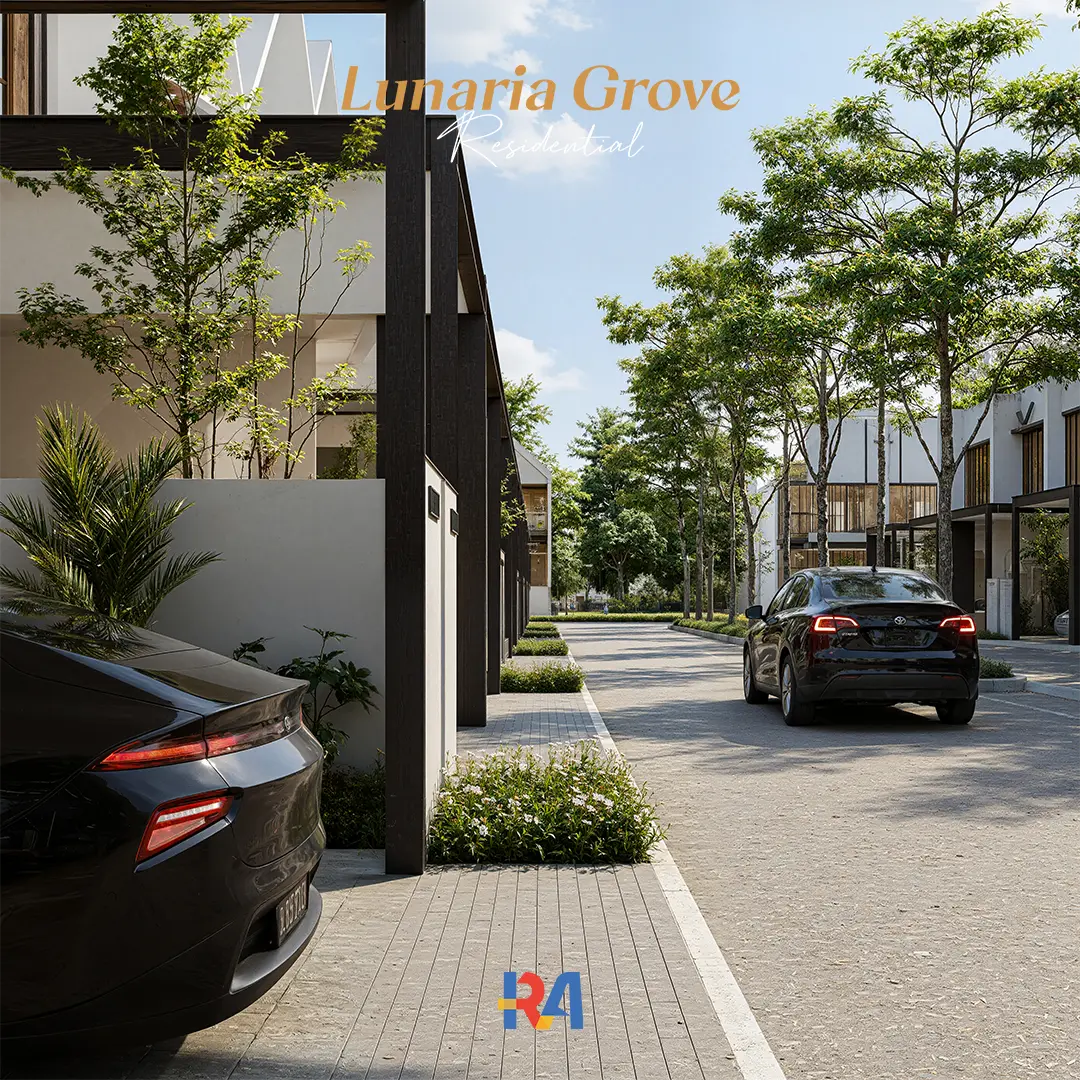
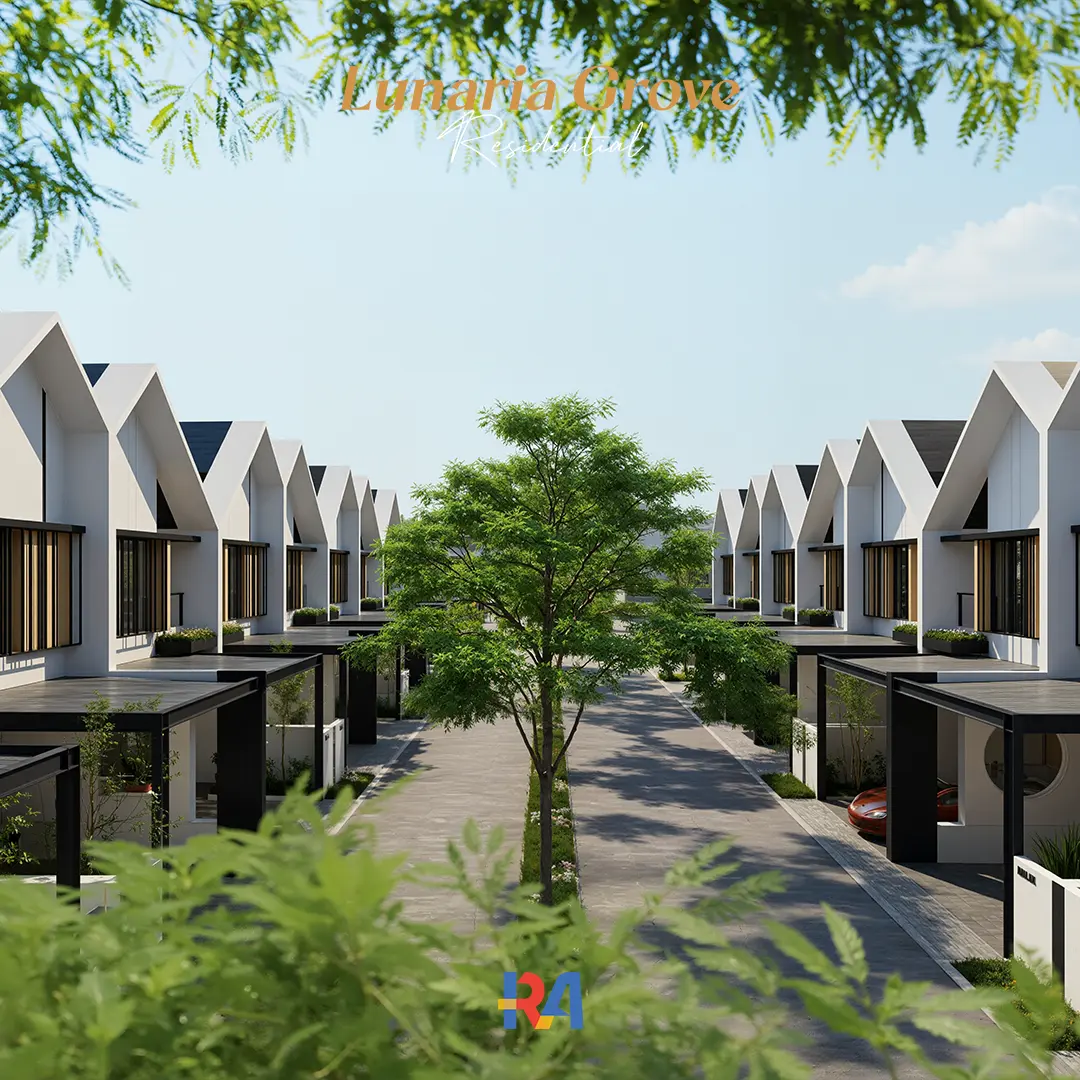
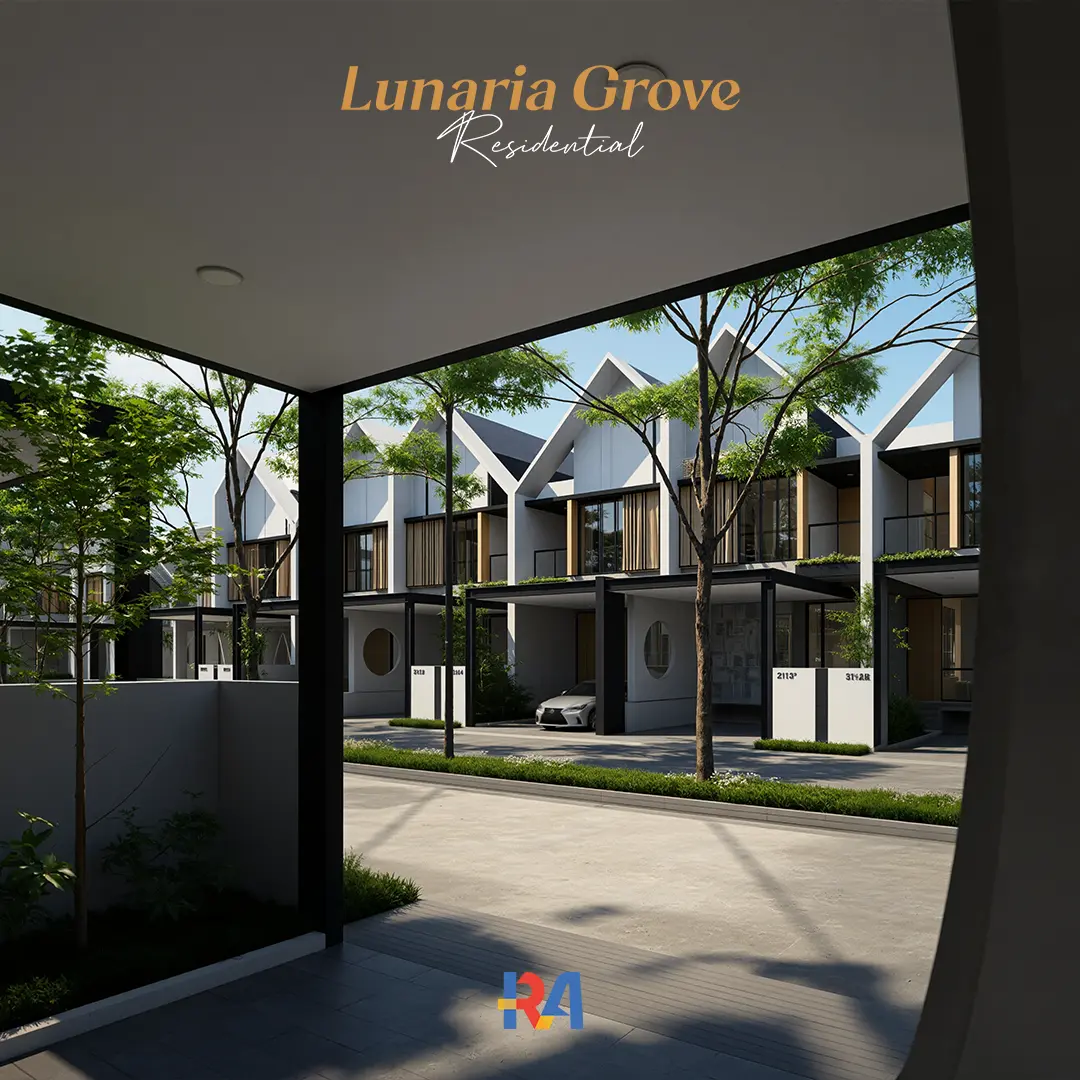
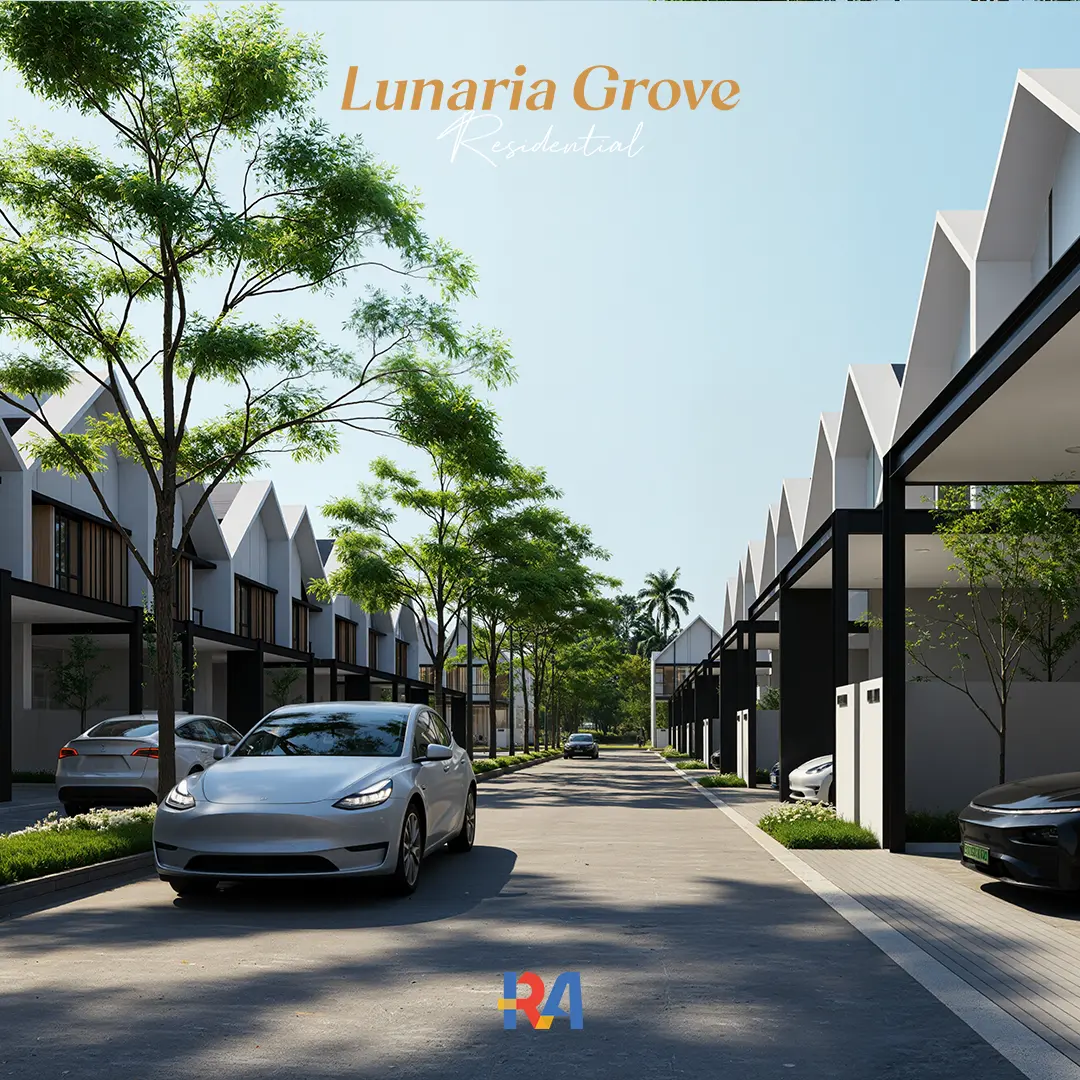
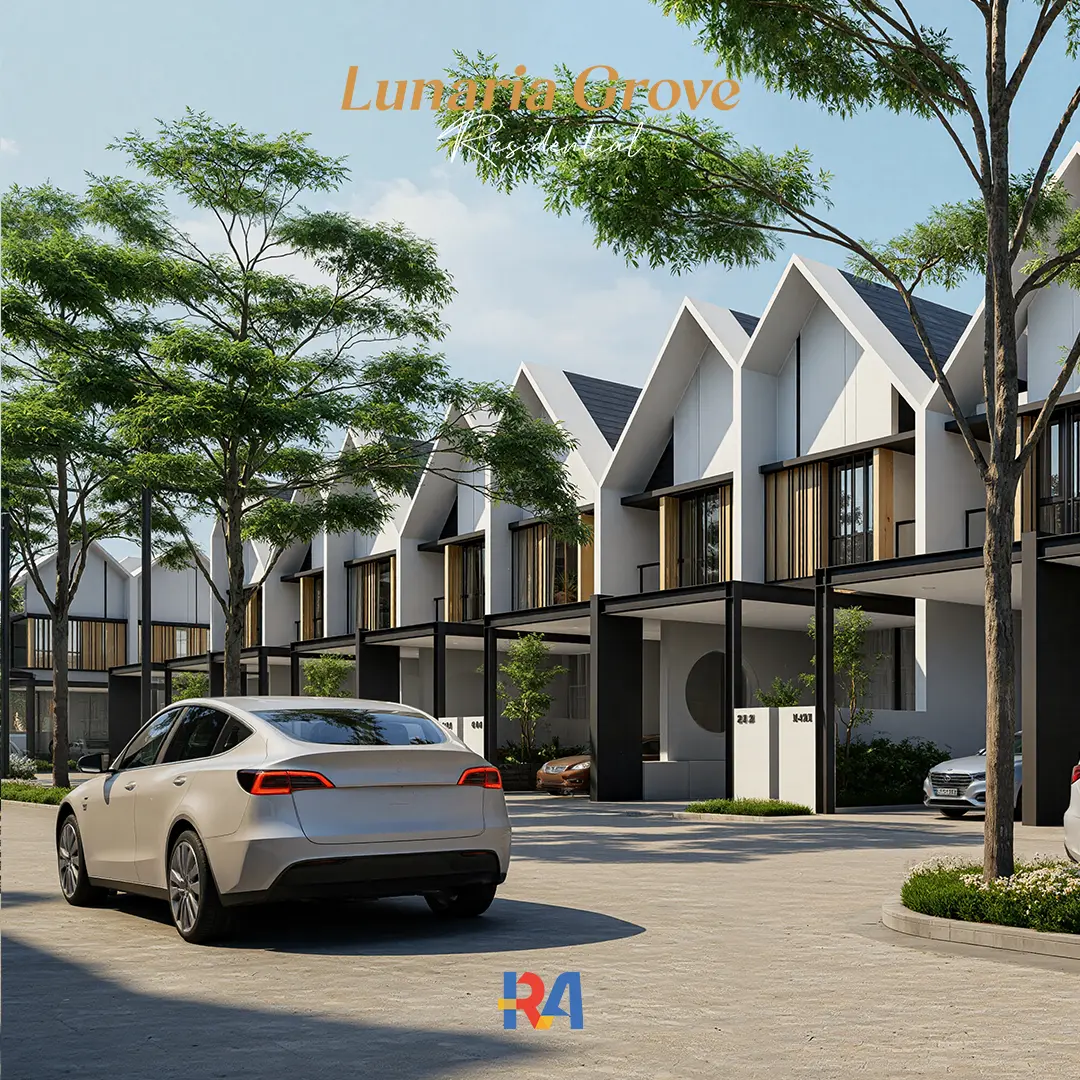
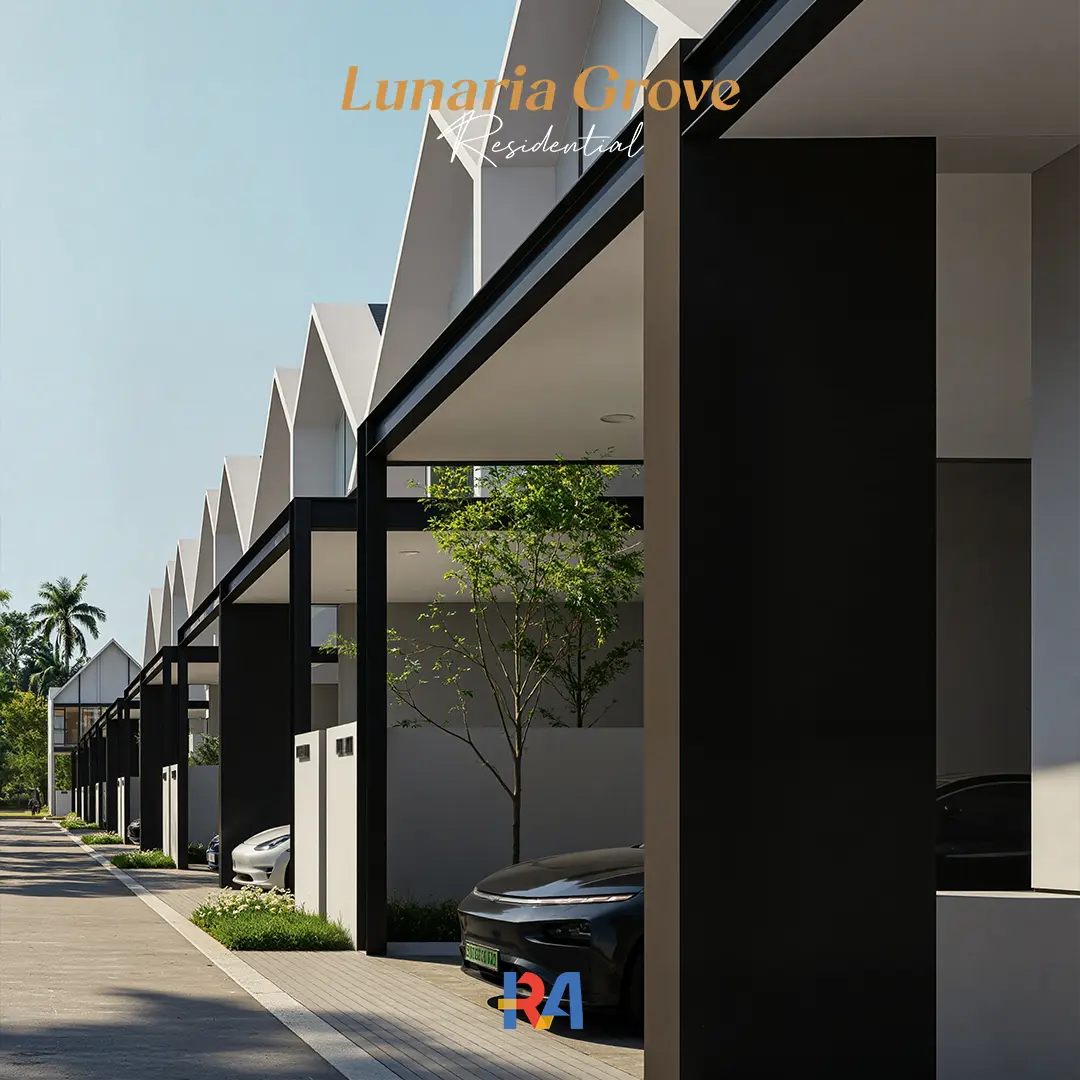
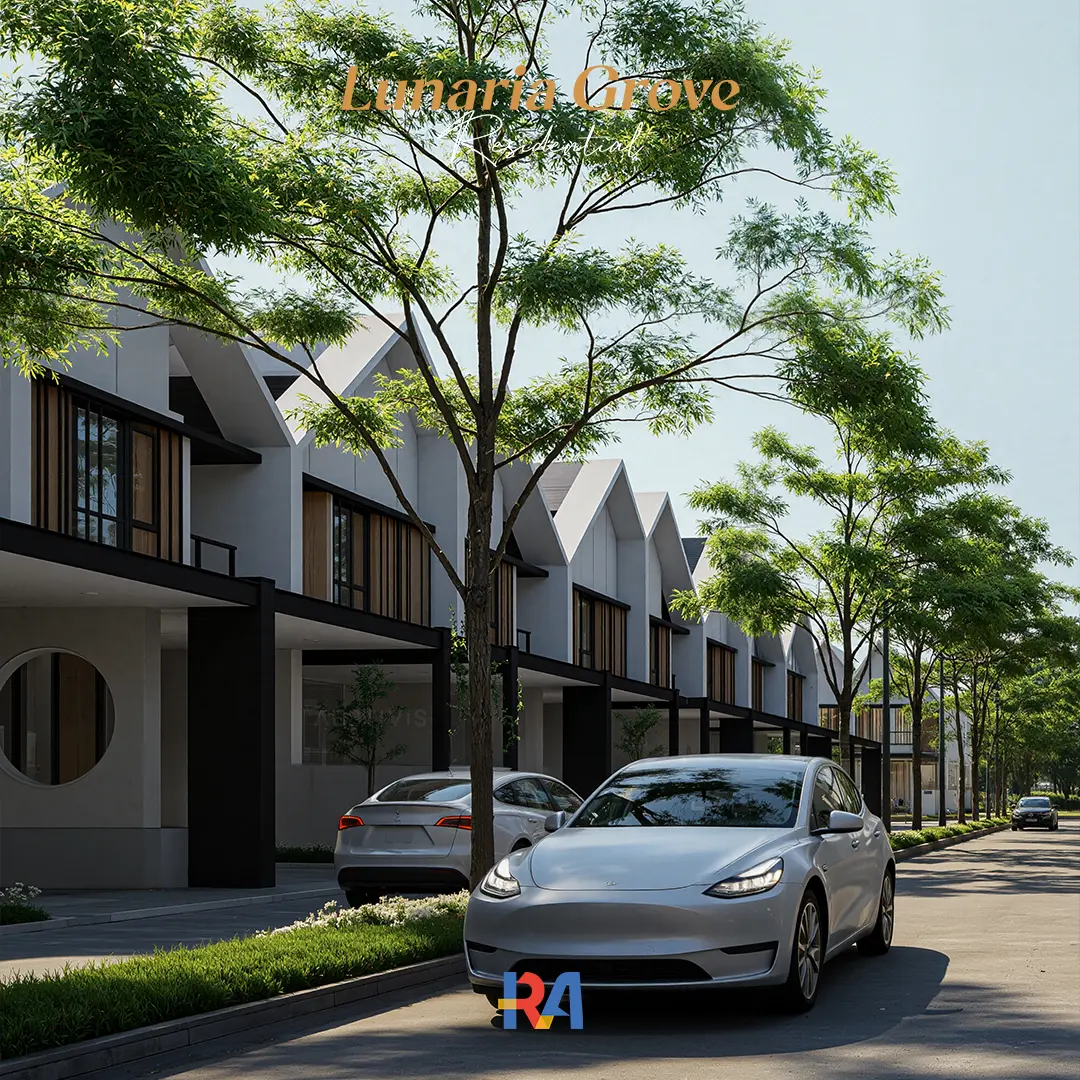
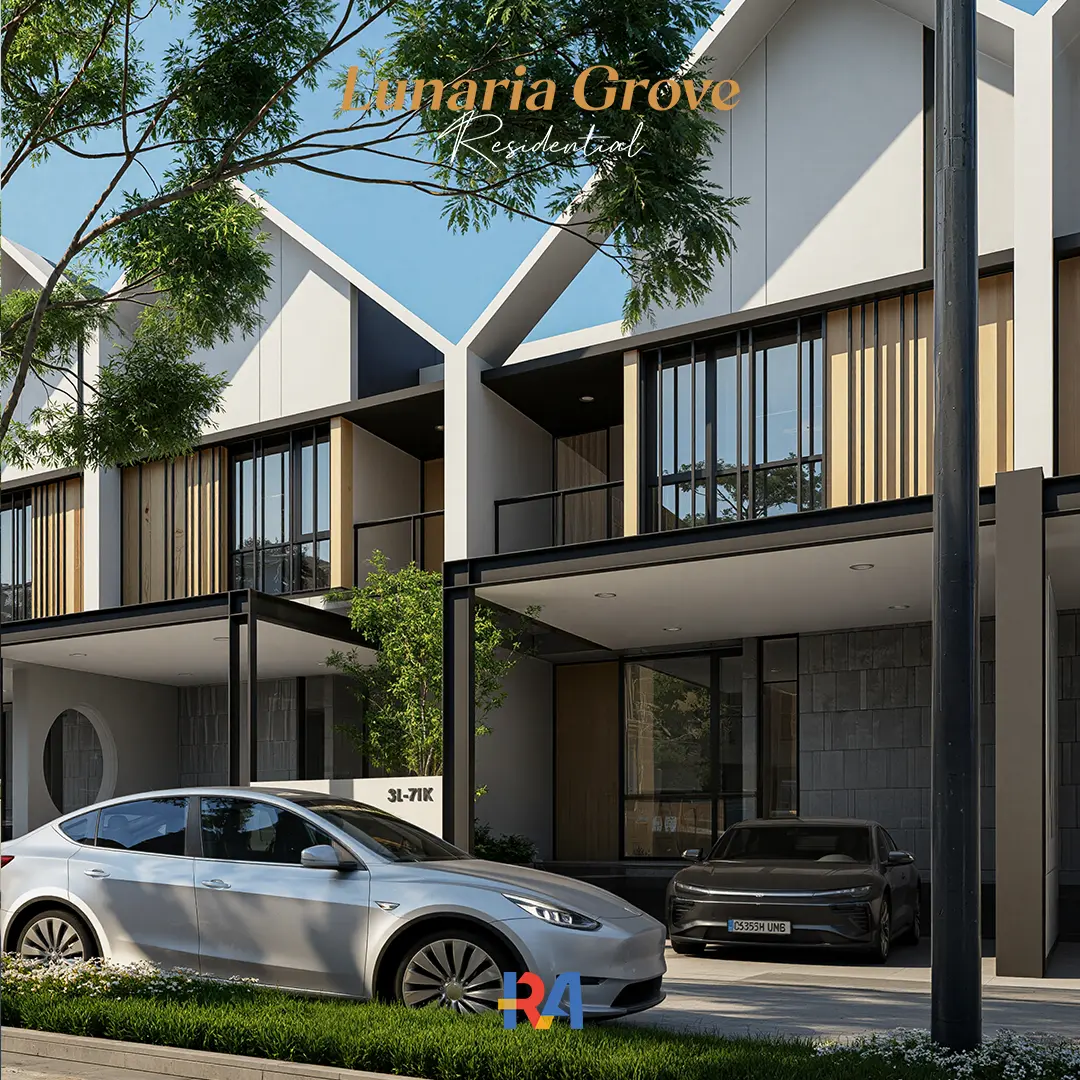
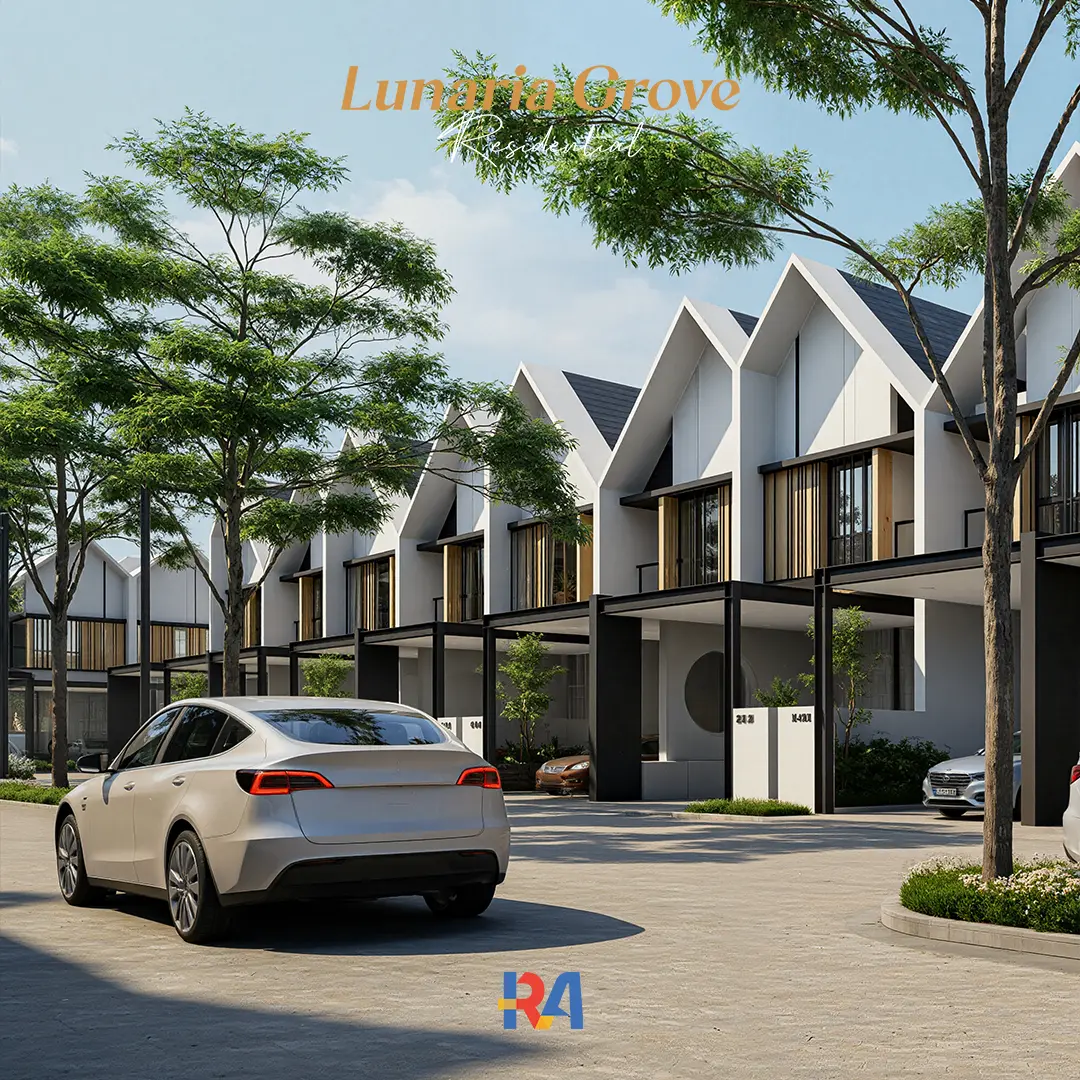
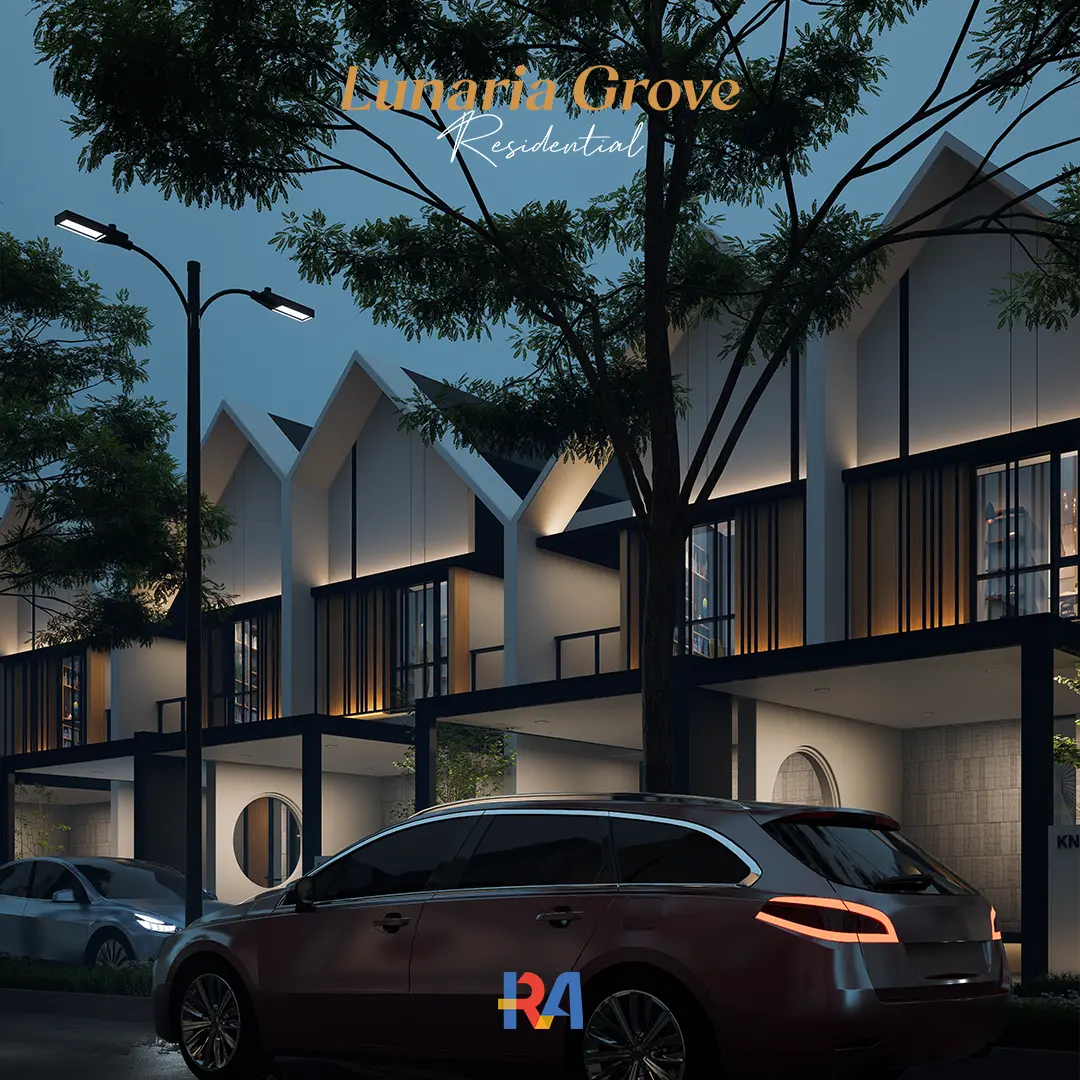
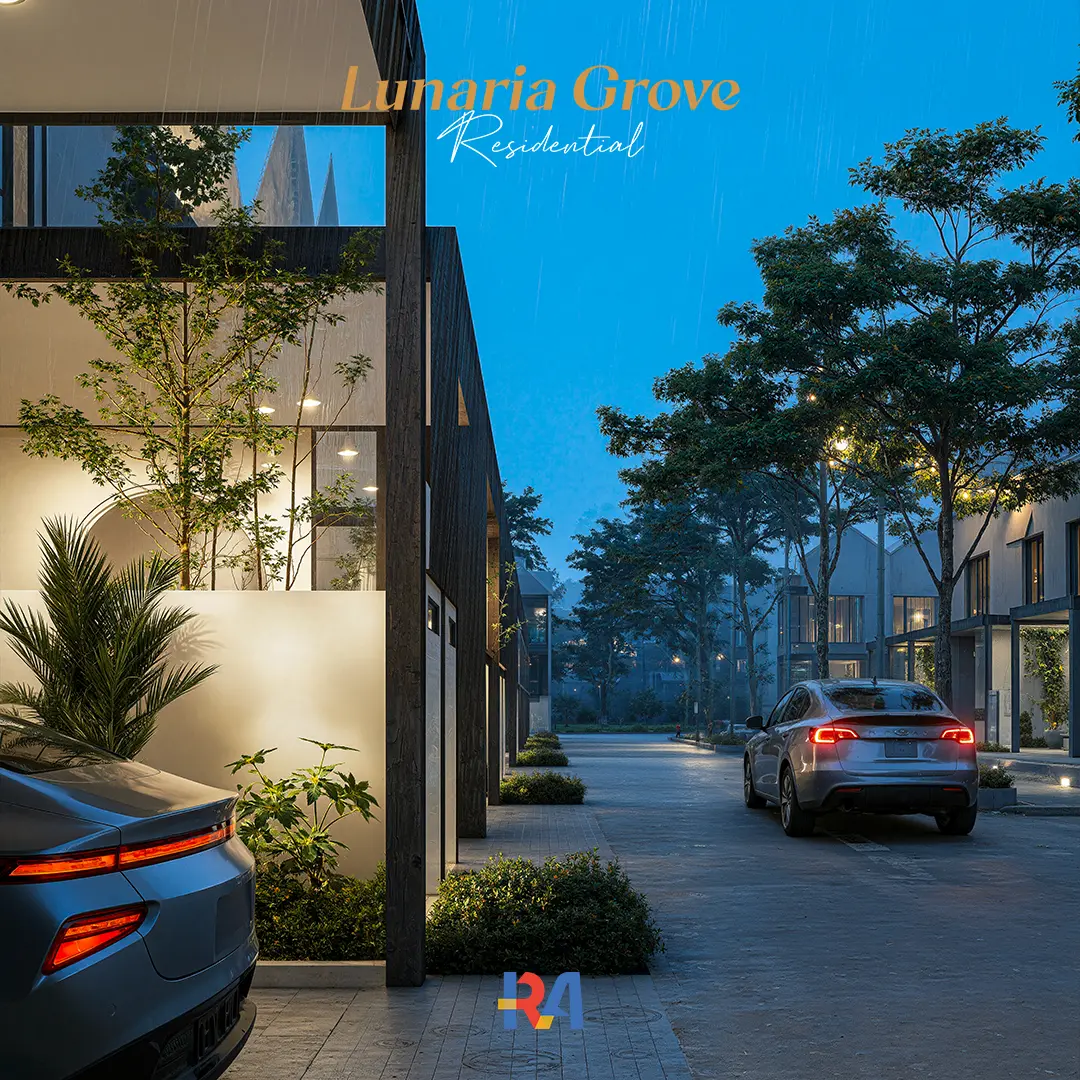
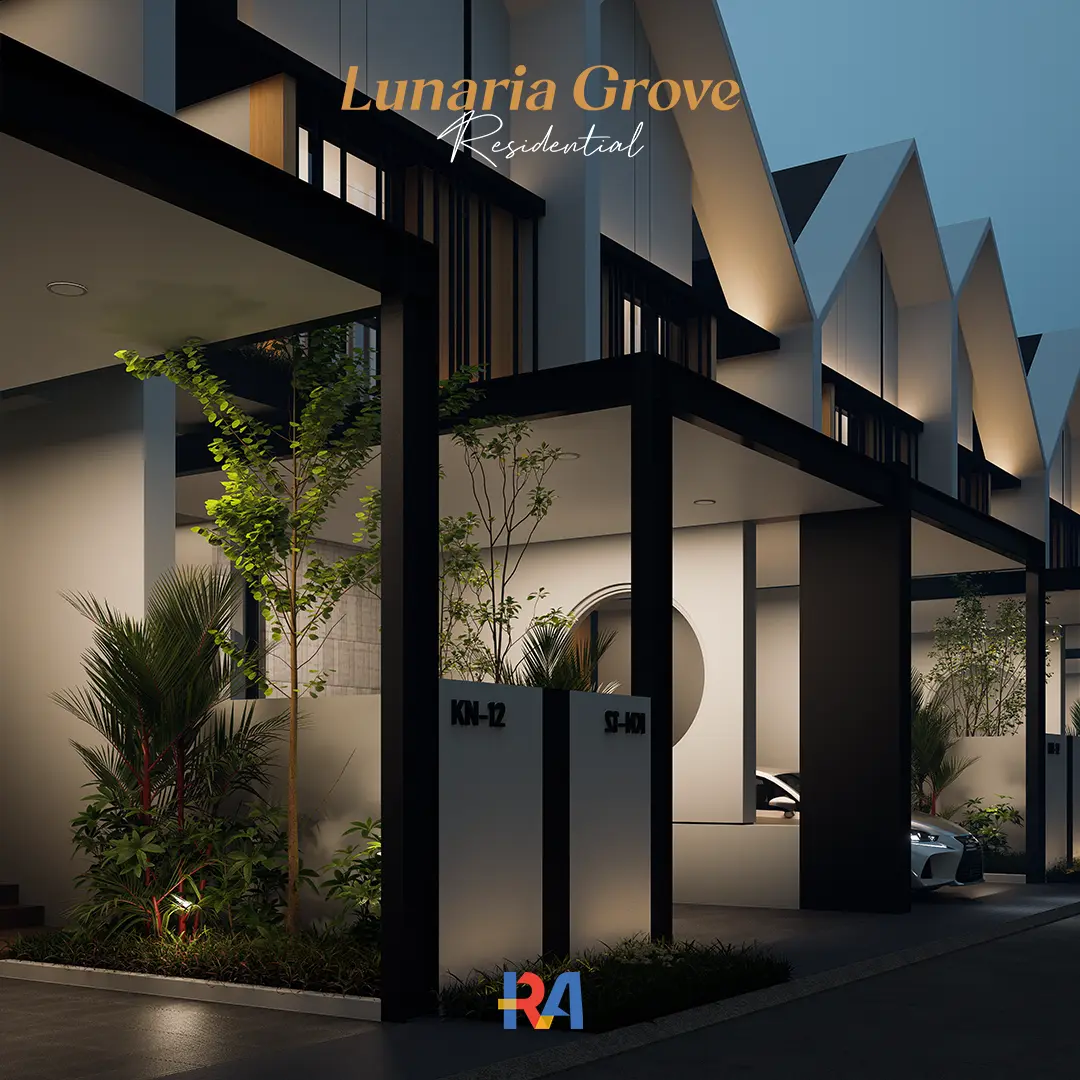
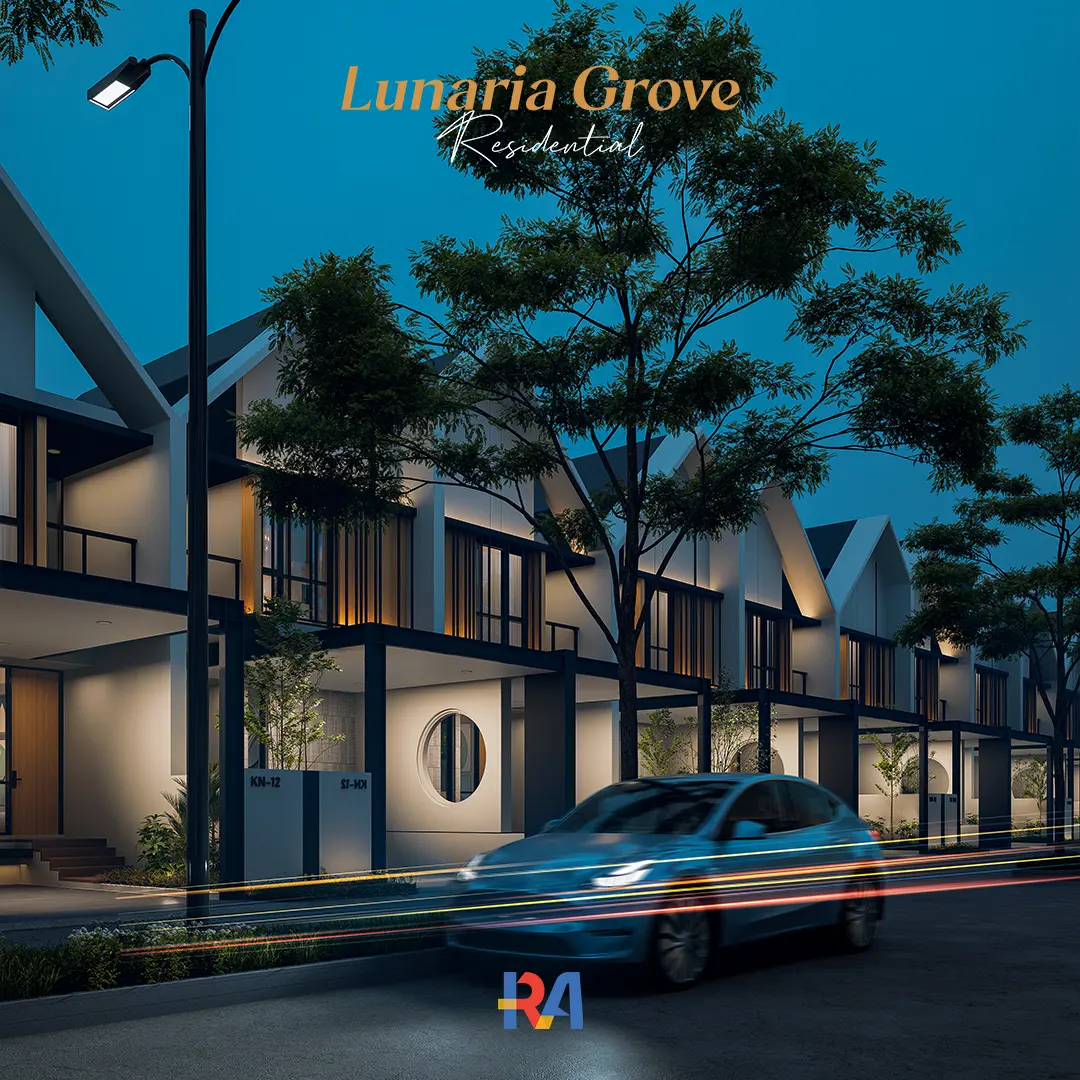
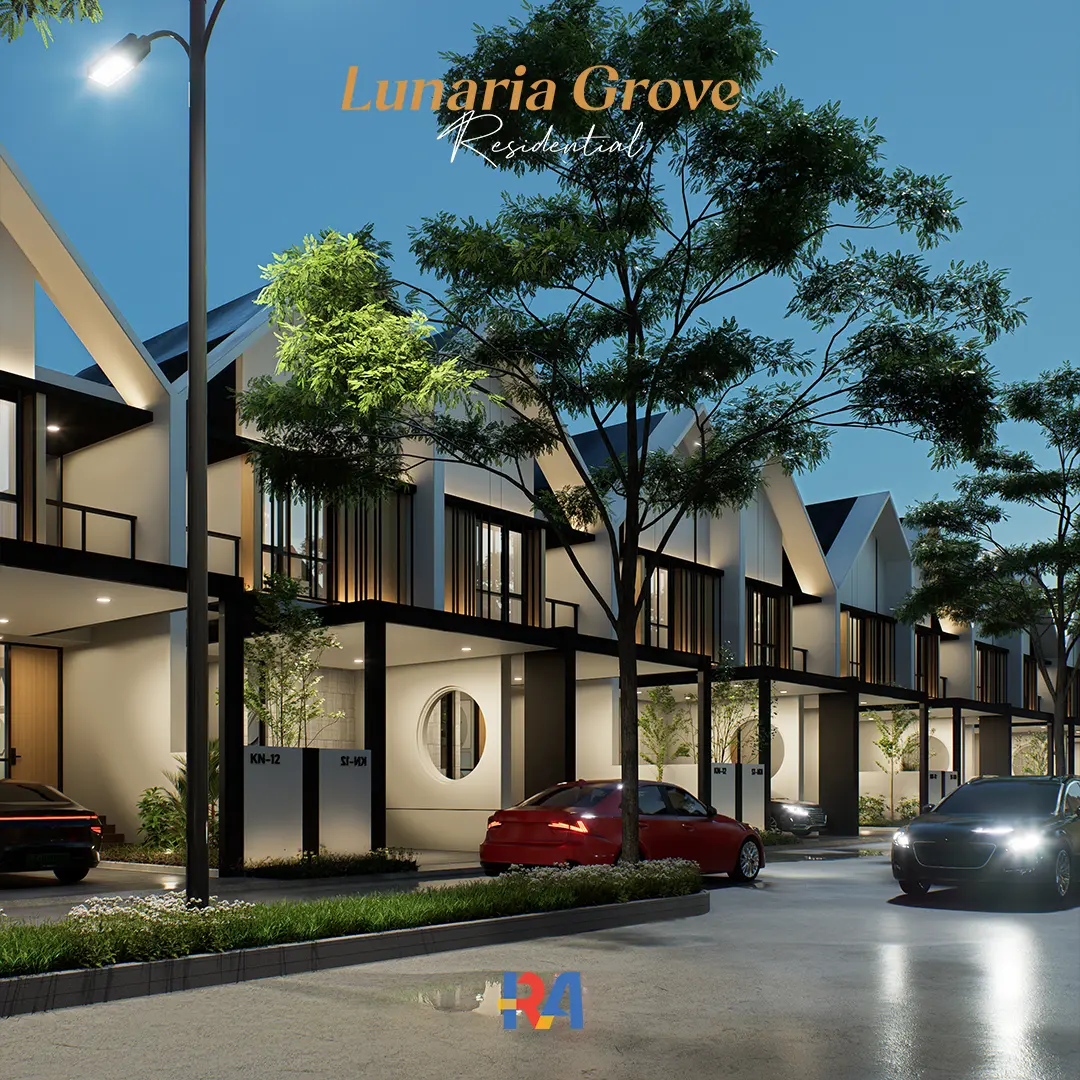
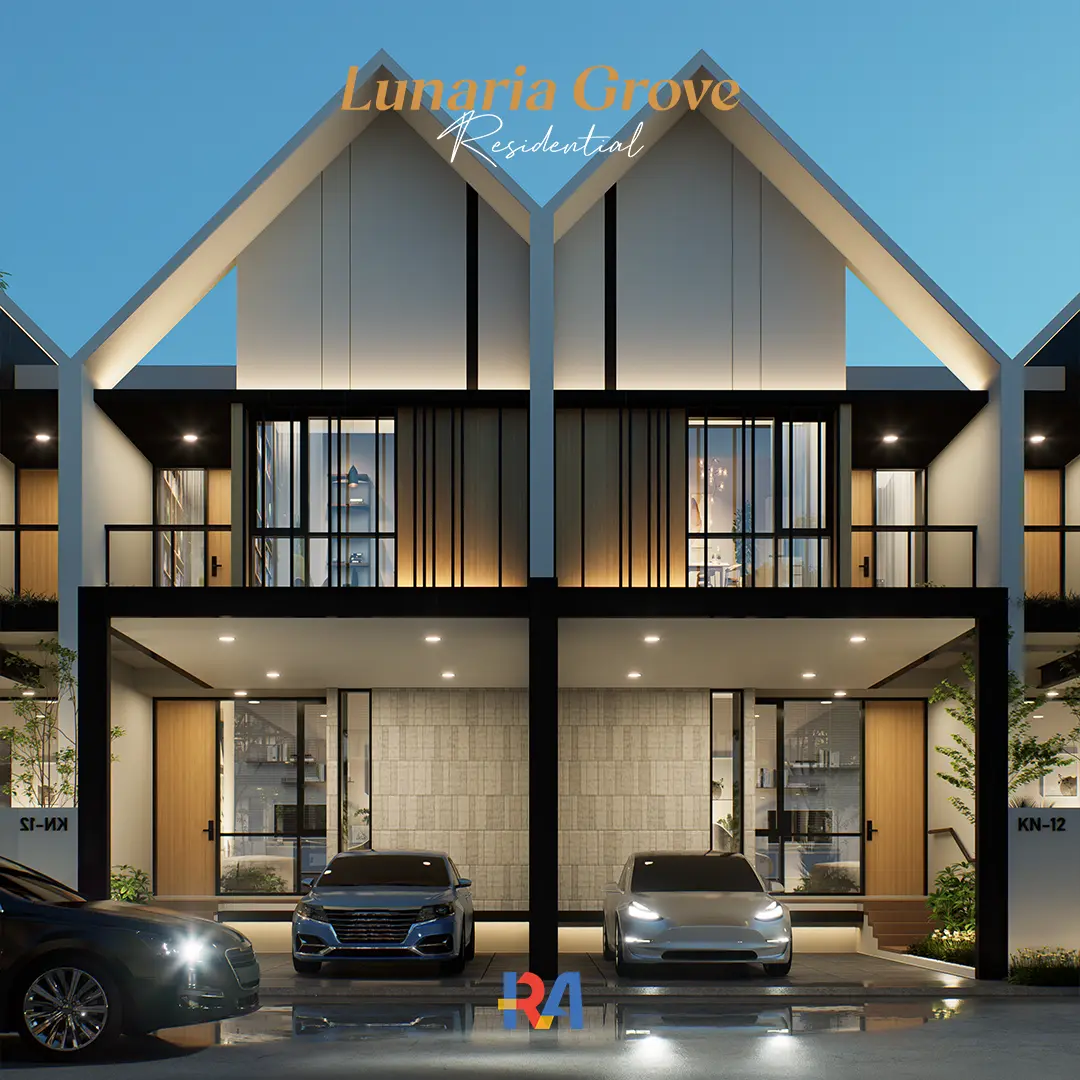
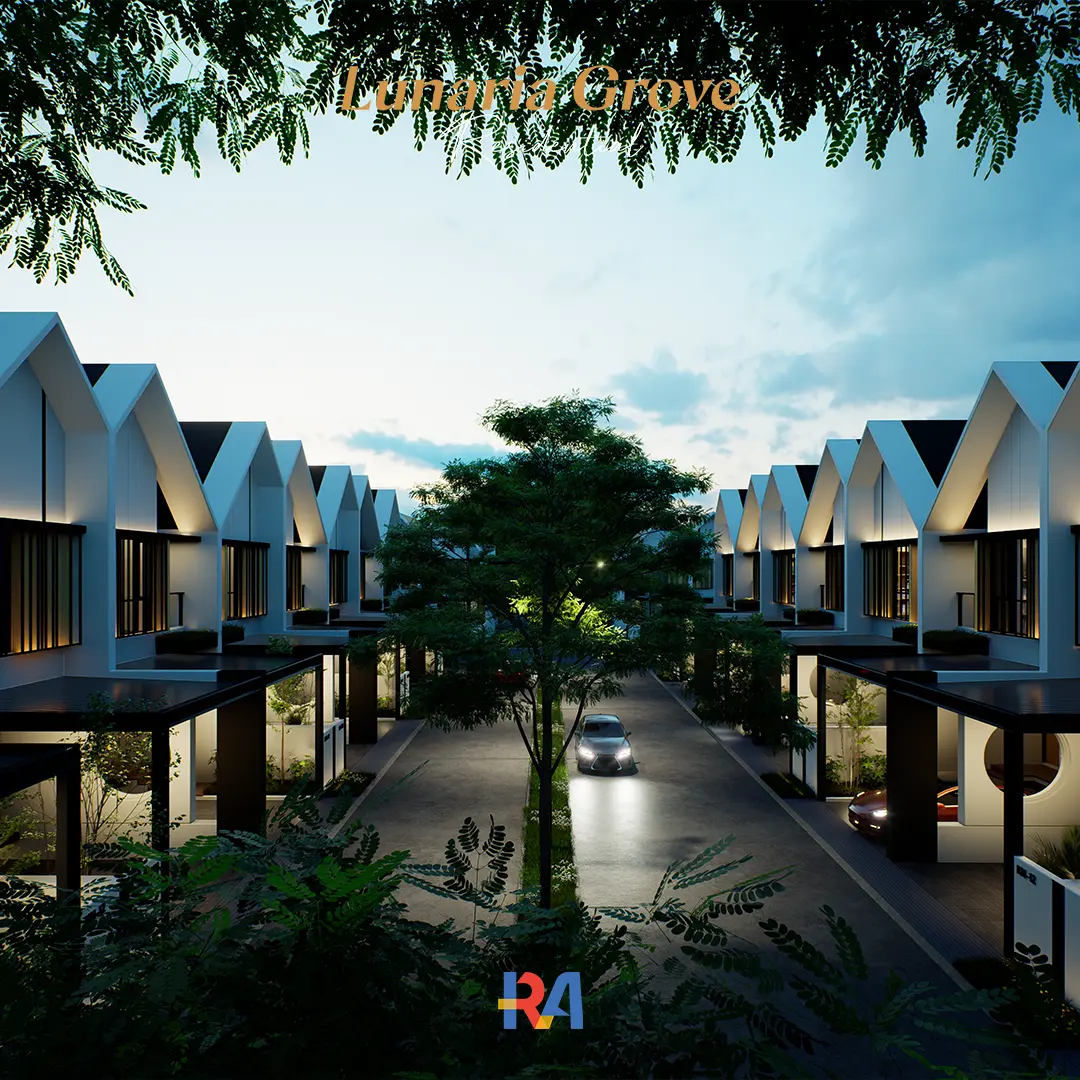
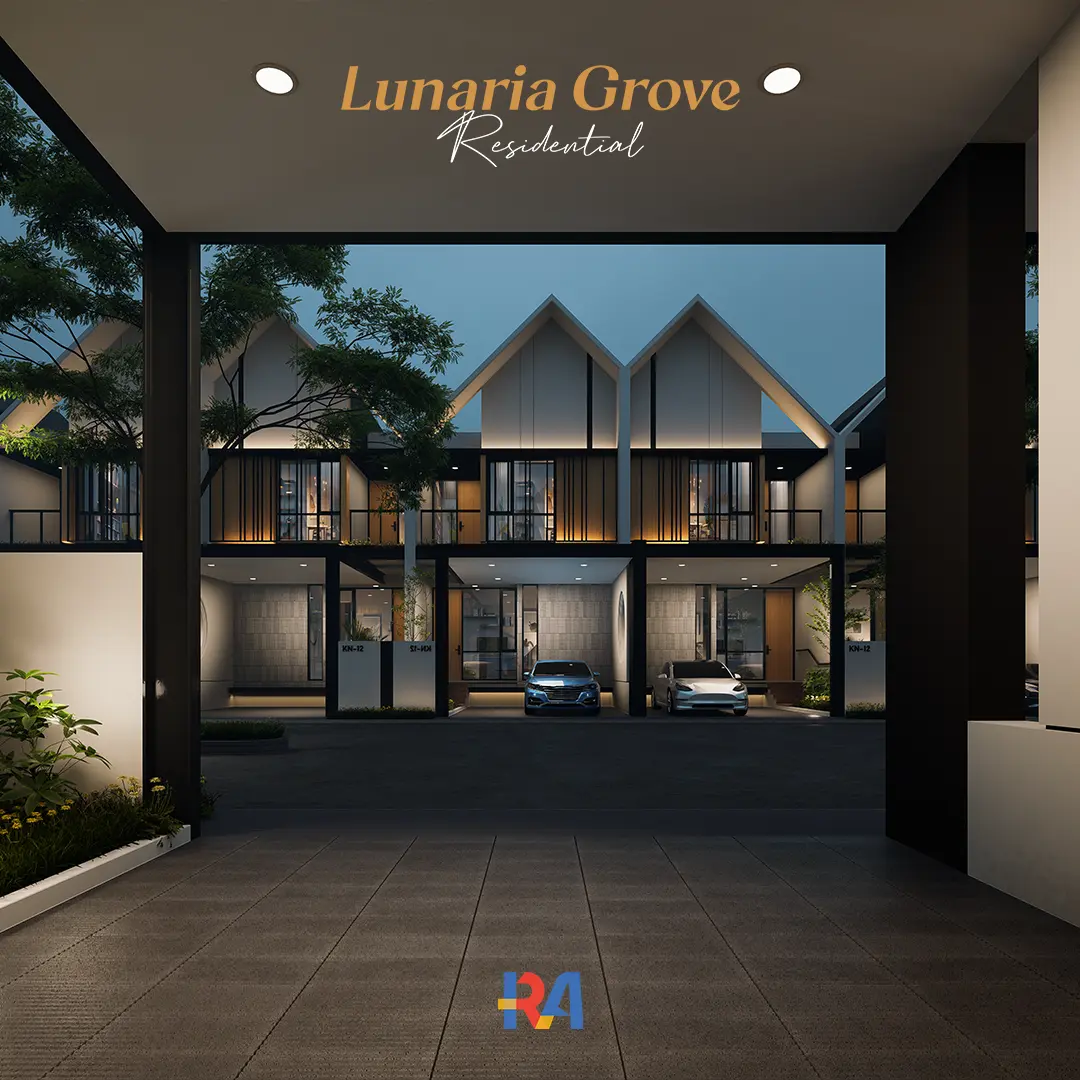
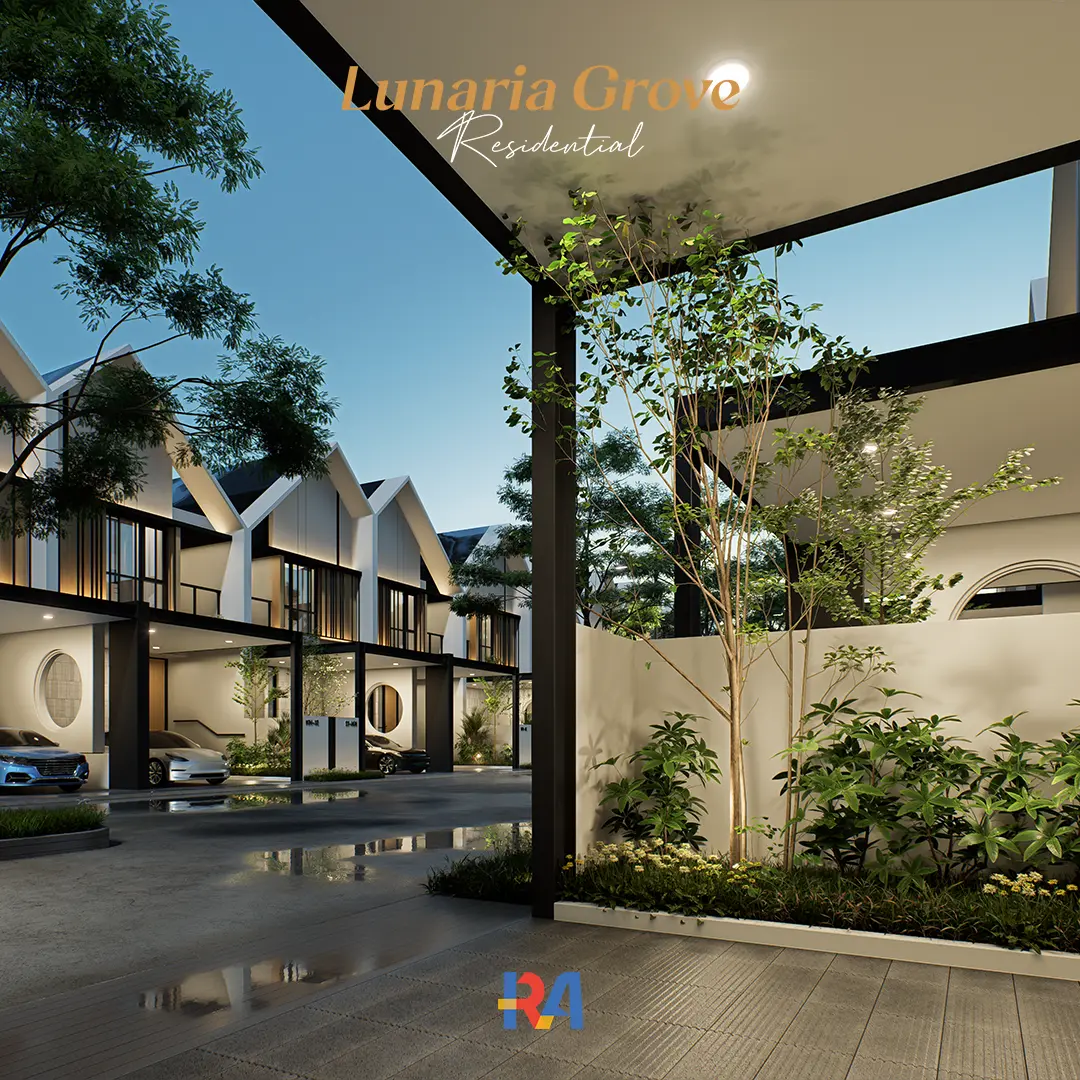
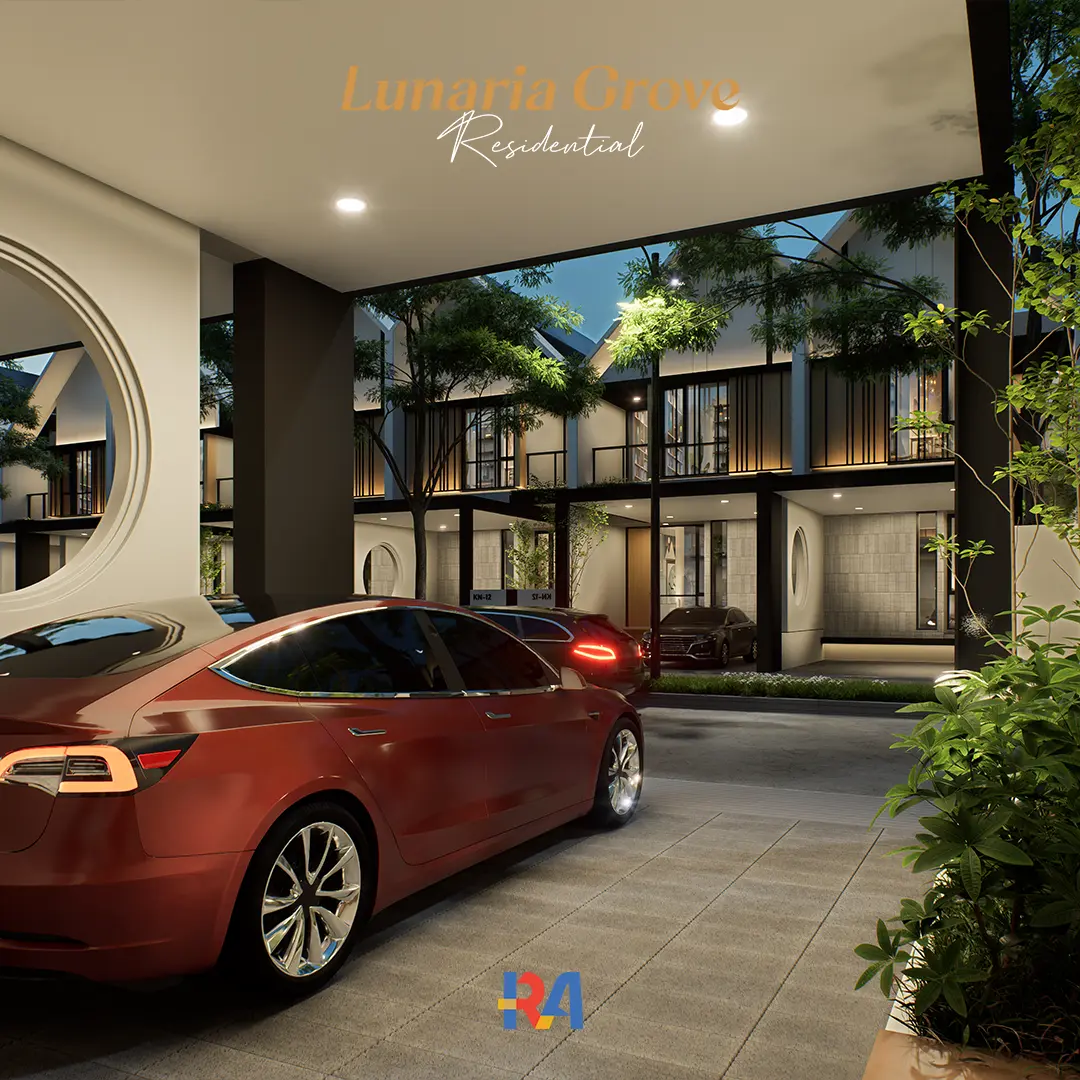
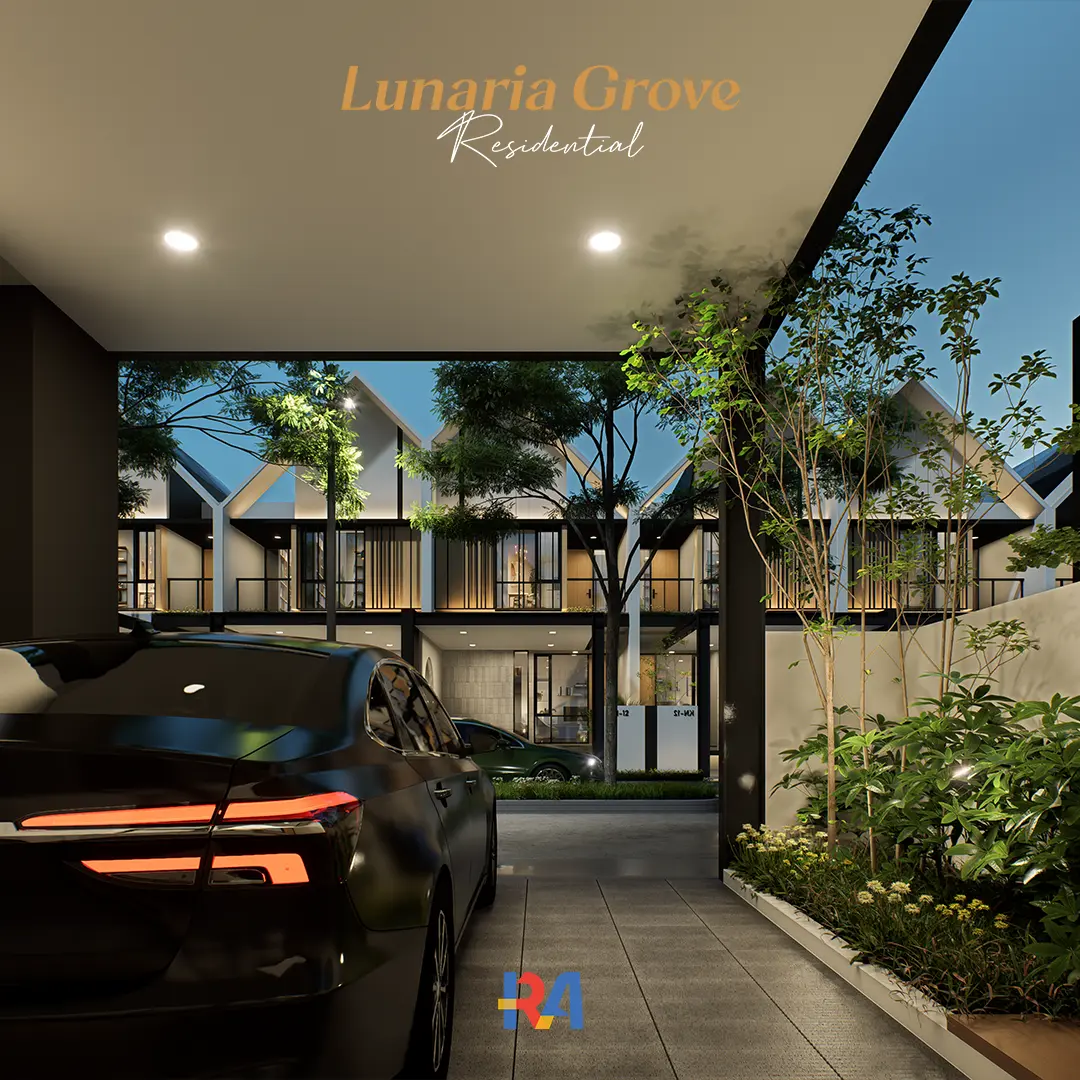
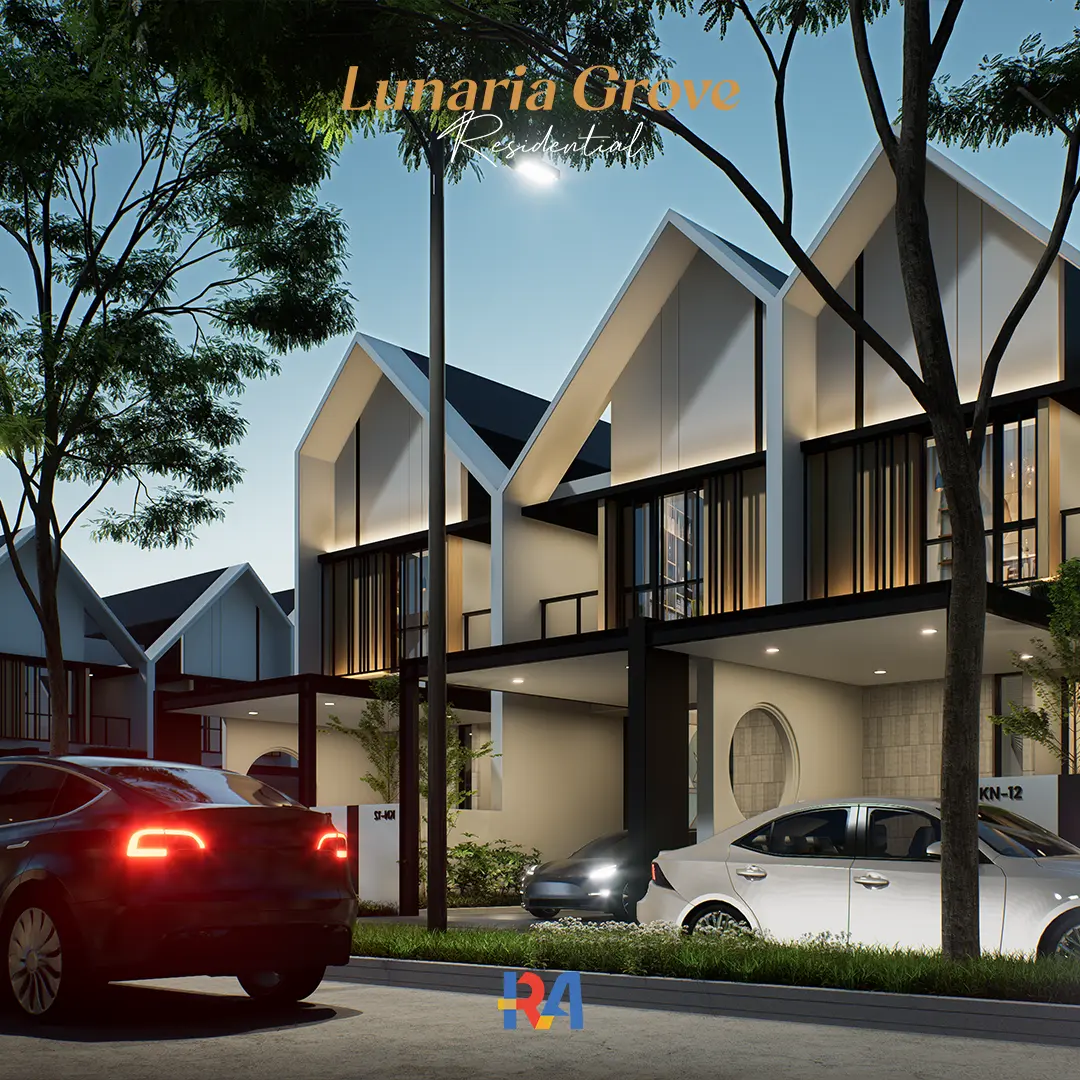
This residential Enscape exterior scene gives you a finished house, ready to render. Open the file, pick day or night, and get realistic results in minutes. The 3D model, lighting, HDRI, materials, and vehicles are already set up, so you skip the blank scene and the hours of preparation.
What is inside this D5 Render scene
D5 Render scene file (.d5a)
SketchUp file (.skp), fully editable
Organized texture folder
Vegetation setup
Lighting setup
Camera composition
Day and night render presets
HDRI and LUT
Preview images
Basic setup tutorial
The editable SketchUp file is included
Many D5 scenes only give you the final render file. Lunaria Grove includes the original SketchUp model, so you can change materials, replace vegetation, adjust lighting, move cameras, or reshape the architecture itself. The workflow is kept open and easy to follow.
Rendered without post-production
The preview images come straight from D5 Render, with no Photoshop editing. The lighting, materials, and cameras are already balanced, so the result you see is the result you render. You can still refine afterwards if you want.
Organized and beginner-friendly
The scene is structured for smooth navigation, fast workflow, and efficient real-time rendering, without losing visual quality. The clean setup makes it easy to learn from, whether you are new to D5 or working on production deadlines.
What you need
You will need D5 Render and SketchUp. The scene opens in D5 Free, but some Pro-only assets and features may be limited, so D5 Pro is recommended for the full experience. Most essential assets and textures are included. A few may rely on the D5 built-in library, depending on your version.
Who this is for
Architects, 3D visualizers, architecture students, and freelancers who want a realistic residential scene to render, study, or build client work on, without setting up a scene from scratch.
License: Licensed for single-user personal and commercial use. Resale, redistribution, or modification for resale is not permitted. As this is an instantly-delivered digital product, refunds are not available. One-time payment. No subscriptions.
 USE VOUCHER CODE "RIFKI10" AT CHECKOUT TO GET A 10% DISCOUNT
USE VOUCHER CODE "RIFKI10" AT CHECKOUT TO GET A 10% DISCOUNT
USE VOUCHER CODE "RIFKI10" AT CHECKOUT TO GET A 10% DISCOUNT
USE VOUCHER CODE "RIFKI10" AT CHECKOUT TO GET A 10% DISCOUNT
USE VOUCHER CODE "RIFKI10" AT CHECKOUT TO GET A 10% DISCOUNT
USE VOUCHER CODE "RIFKI10" AT CHECKOUT TO GET A 10% DISCOUNT
USE VOUCHER CODE "RIFKI10" AT CHECKOUT TO GET A 10% DISCOUNT
USE VOUCHER CODE "RIFKI10" AT CHECKOUT TO GET A 10% DISCOUNT
USE VOUCHER CODE "RIFKI10" AT CHECKOUT TO GET A 10% DISCOUNT
USE VOUCHER CODE "RIFKI10" AT CHECKOUT TO GET A 10% DISCOUNT
USE VOUCHER CODE "RIFKI10" AT CHECKOUT TO GET A 10% DISCOUNTFAQs
01
Which button should I click "Beli Sekarang" or "Buy Now"?
Both buttons give you the exact same product. The difference is currency and payment method.
Beli Sekarang (Lynk.id), for Indonesian buyers: payment in IDR (Rupiah) via bank transfer, virtual account, e-wallet (GoPay, OVO, DANA, ShopeePay), or QRIS.
Buy Now (Payhip), for international buyers: payment in USD via credit or debit card (Visa, Mastercard) or PayPal.
02
What software do I need?
You need D5 Render and SketchUp. For the closest match to the previews, use a D5 version compatible with the latest release.
03
Does this include the SketchUp file?
Yes. The package includes the editable SketchUp file (.skp), the D5 Render scene (.d5a), and the supporting textures and assets.
04
Are all assets included?
Most essential assets and textures used in the scene are included. A few may rely on the D5 built-in library, depending on your D5 version.
05
Does this work with D5 Free?
It opens in D5 Free, but some Pro-only assets or features may not be available. For the full experience, D5 Pro is recommended.
06
Can I use this for client and commercial projects?
Yes. You can modify the scene, customize materials, and use the workflow in personal or commercial client projects. Reselling or redistributing the original files is not allowed.
07
Is this a tutorial or a course?
No. This is a production-ready workflow pack, not a step-by-step course. A basic setup tutorial and the clean structure help you study and understand the workflow.
08
How do I receive the files after I buy?
After checkout you receive a PDF with your download link and simple step by step instructions, so you can access everything right away.