
ENSCAPE PRESETS
 10 REALISTIC ENSCAPE PRESETS - DAY SCENE
Built for architects, interior designers, and 3D visualizers who need fast, consistent, client-ready renders.
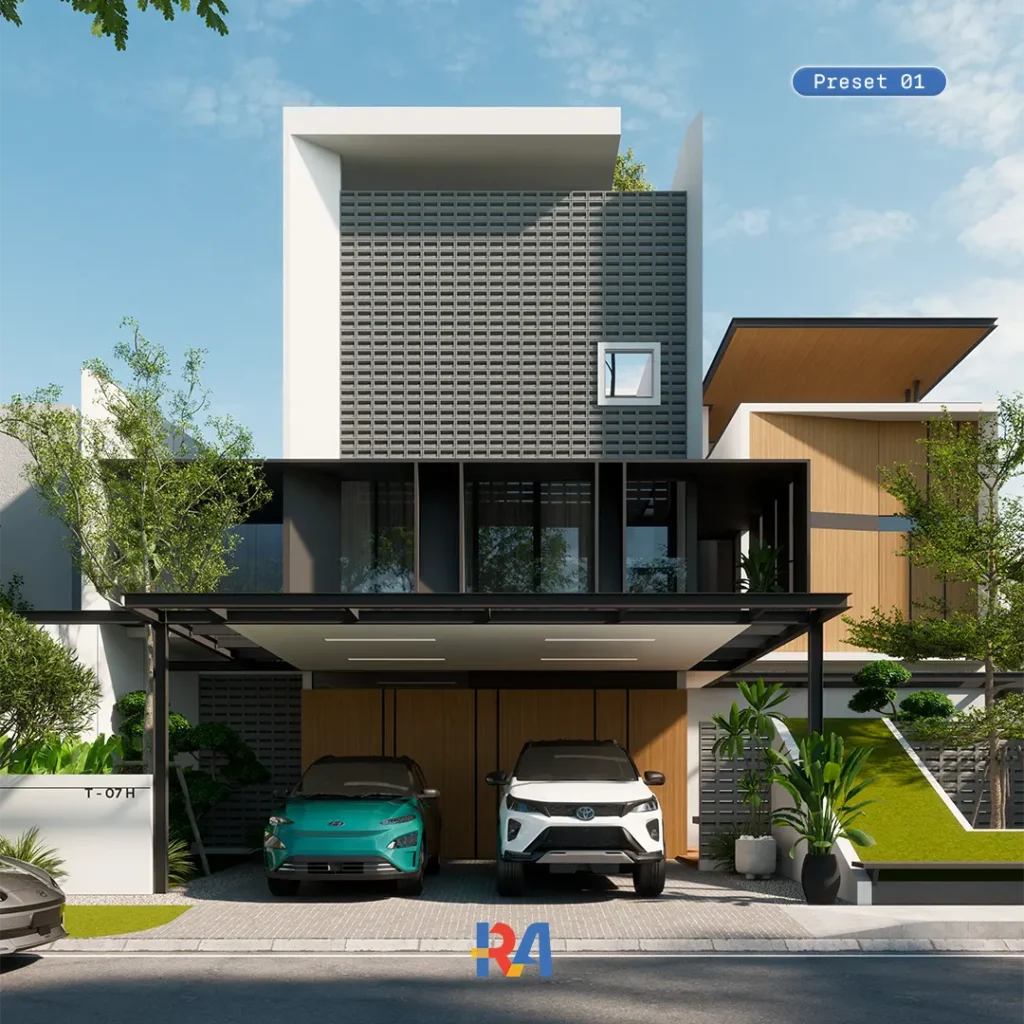
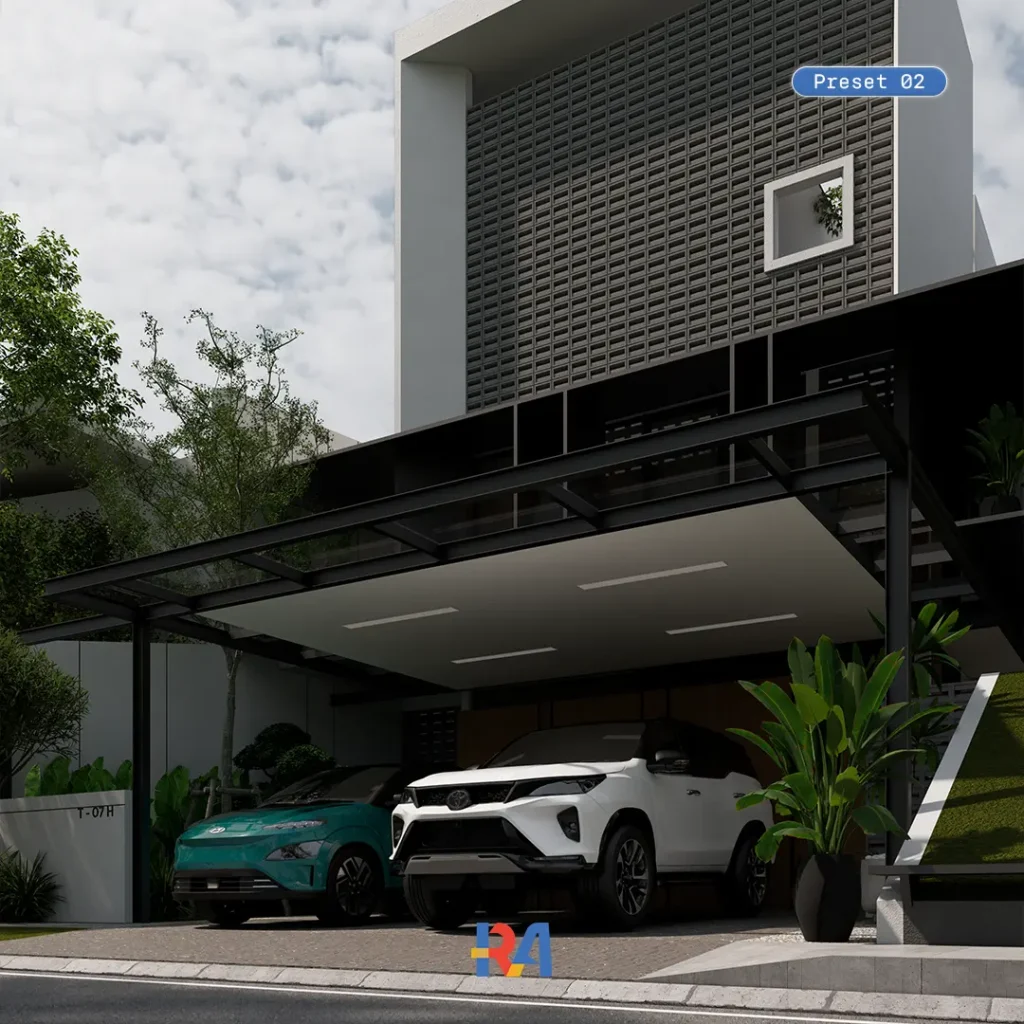
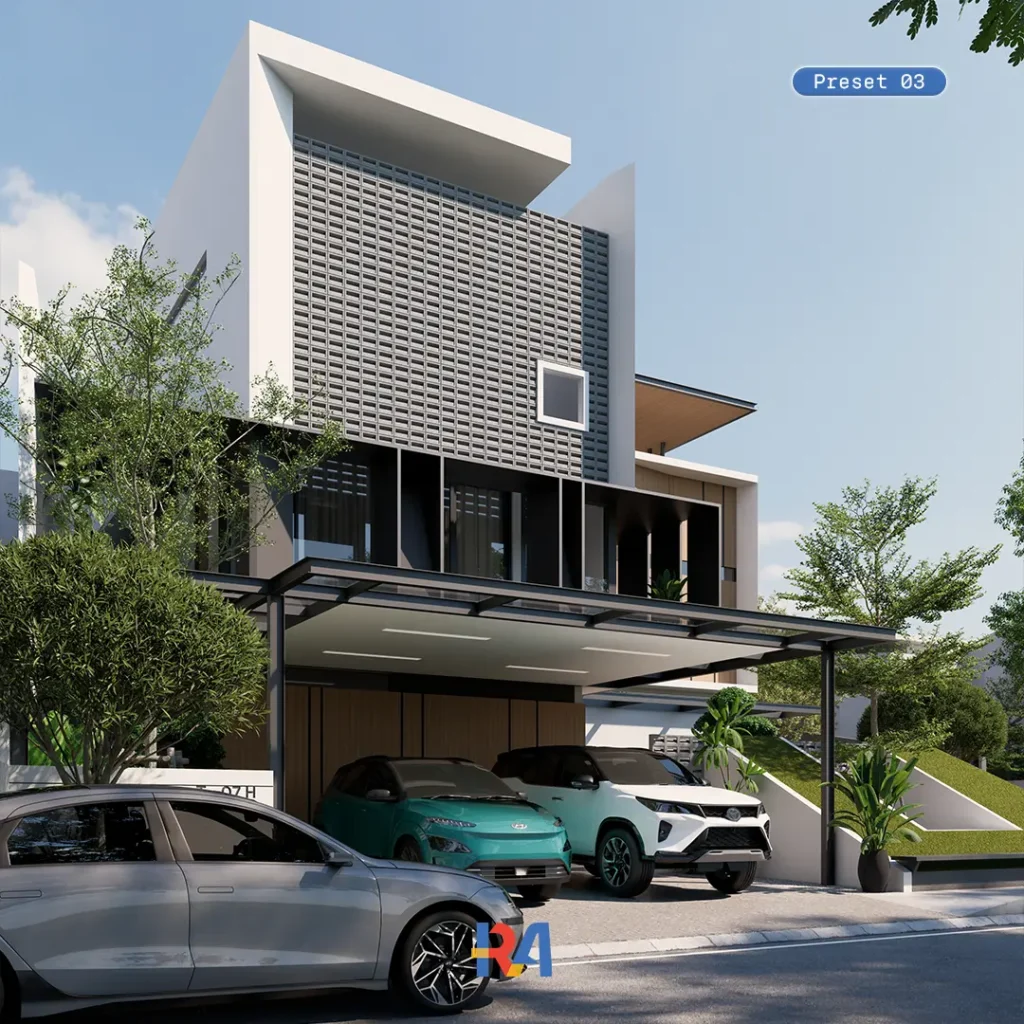
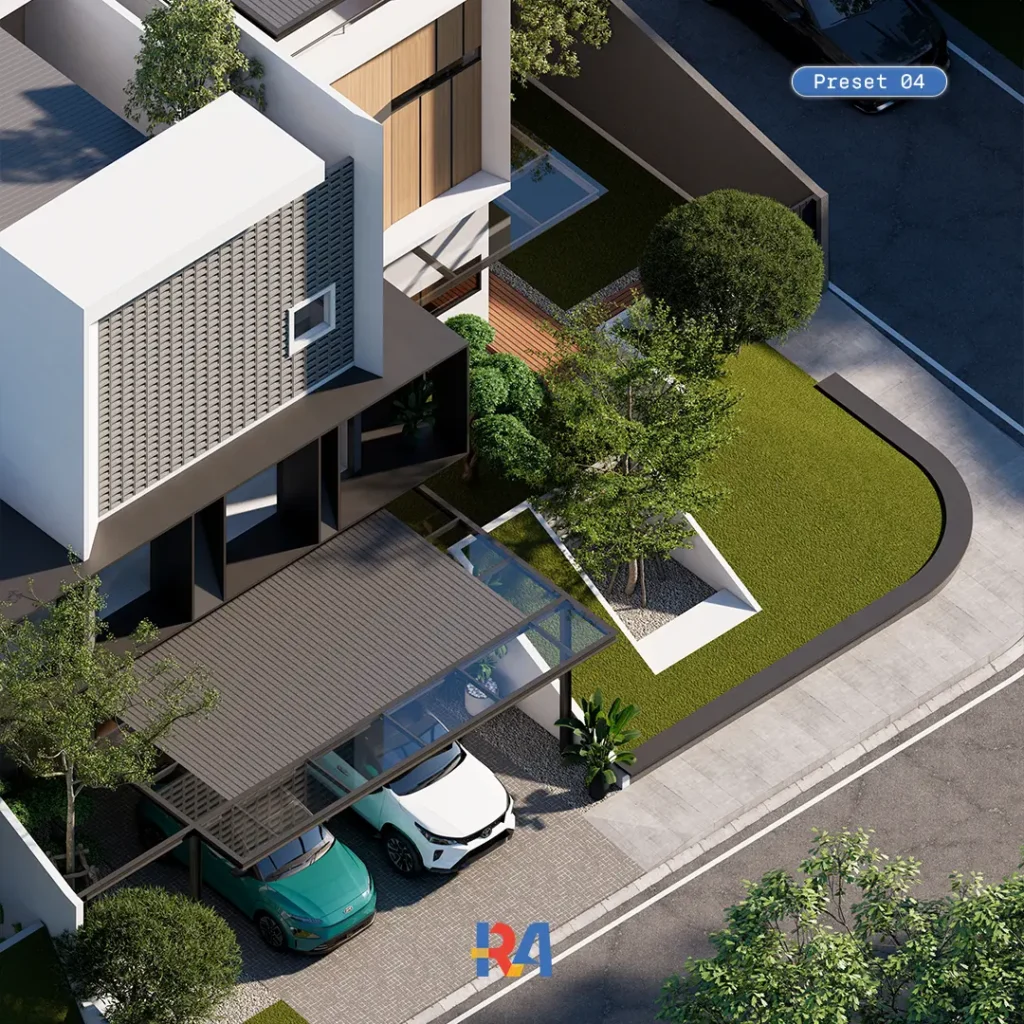
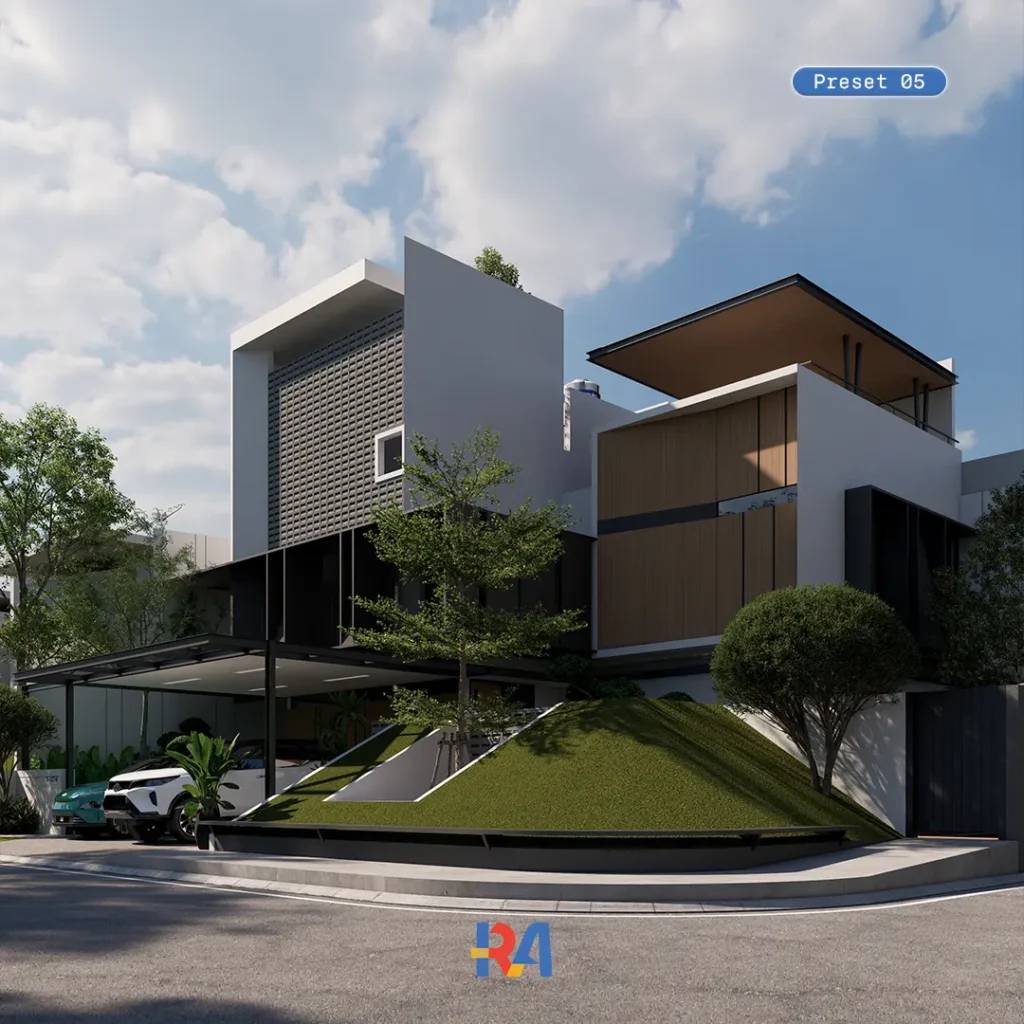
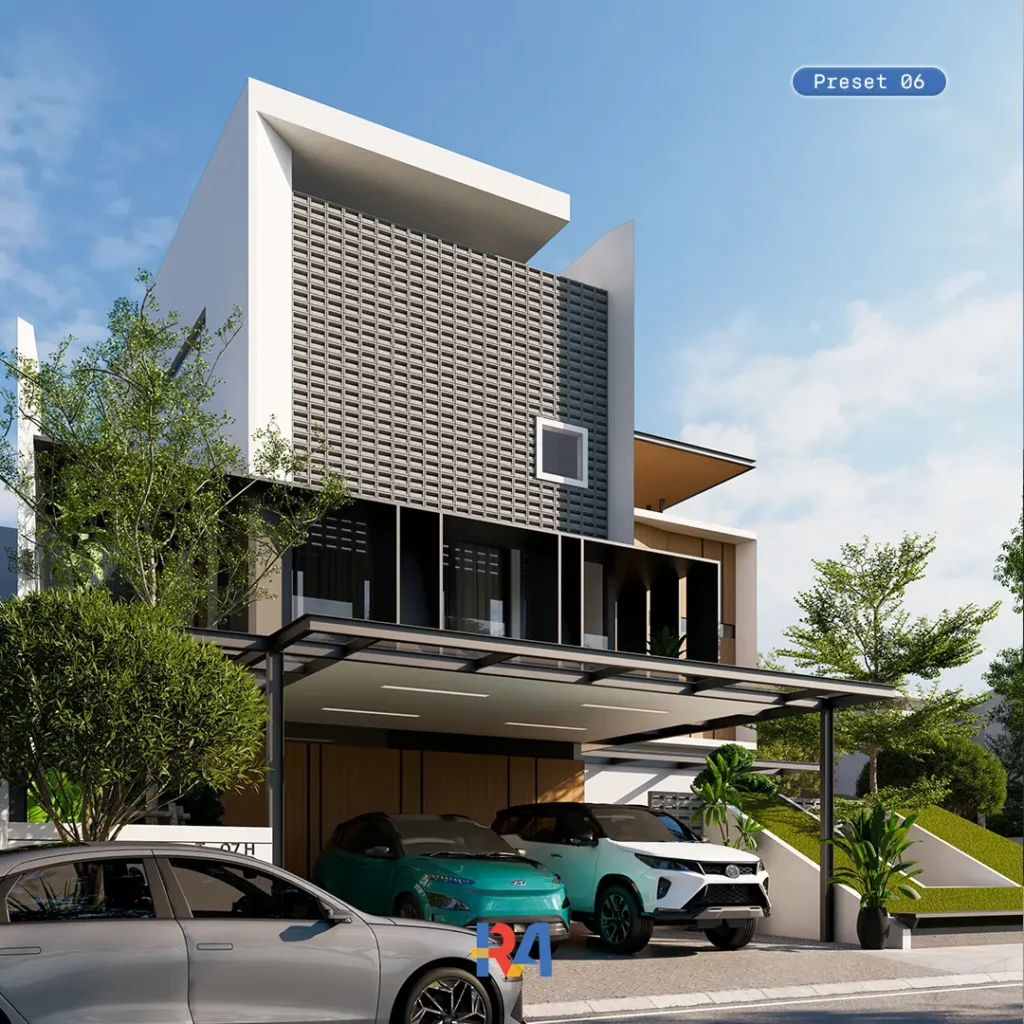
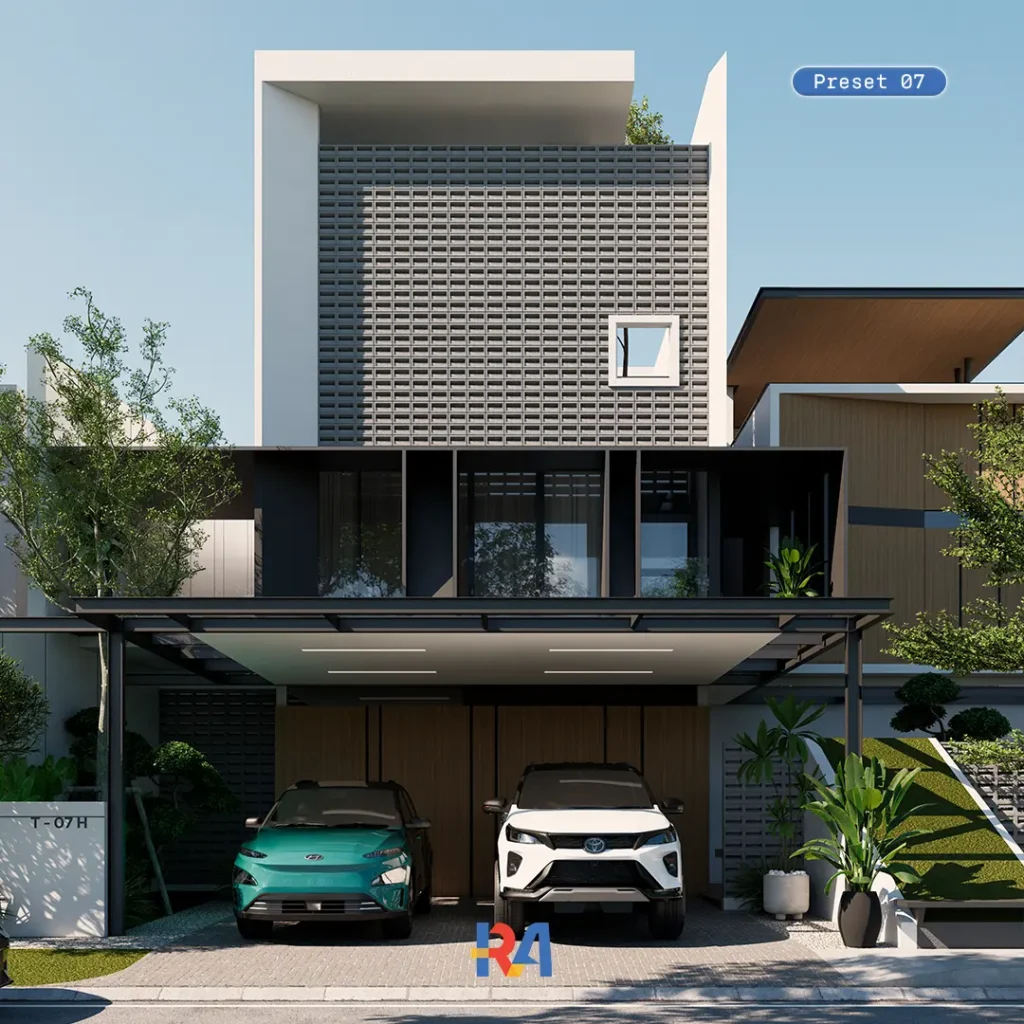
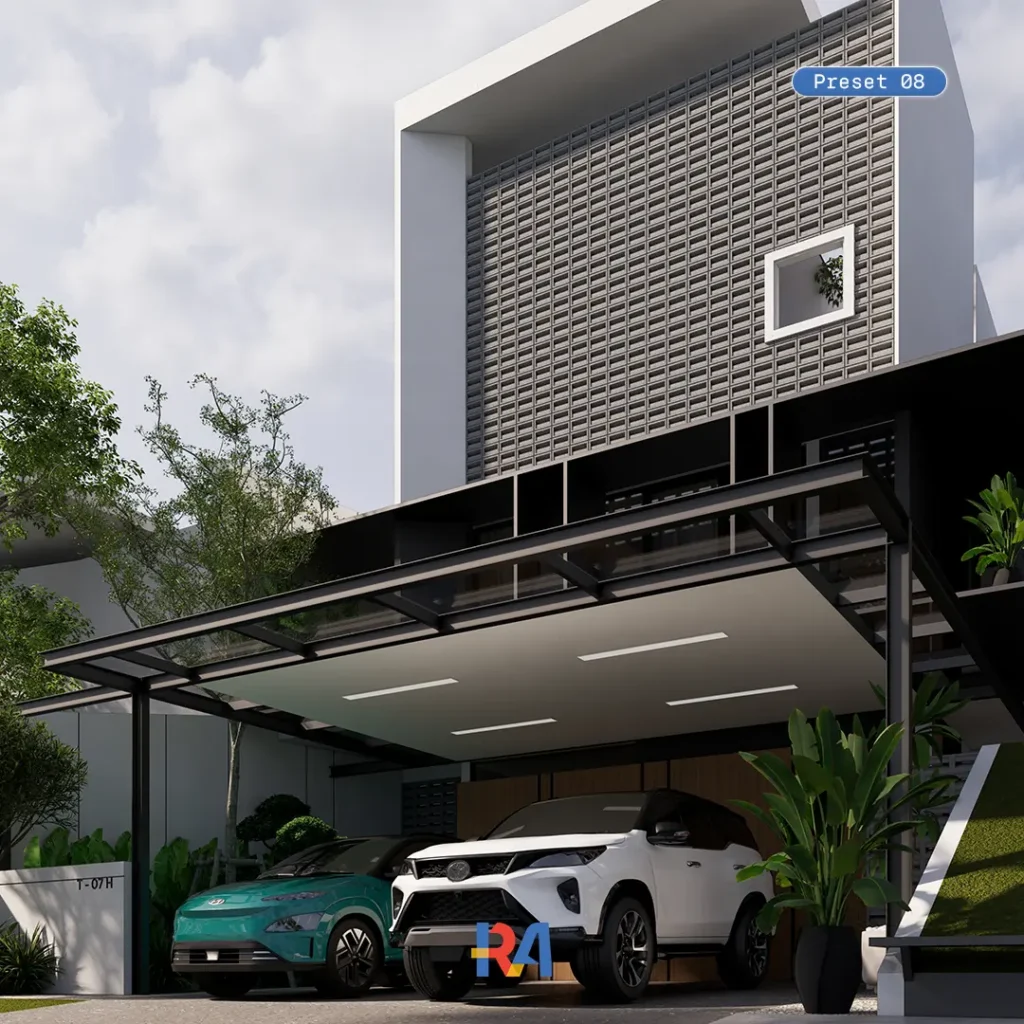
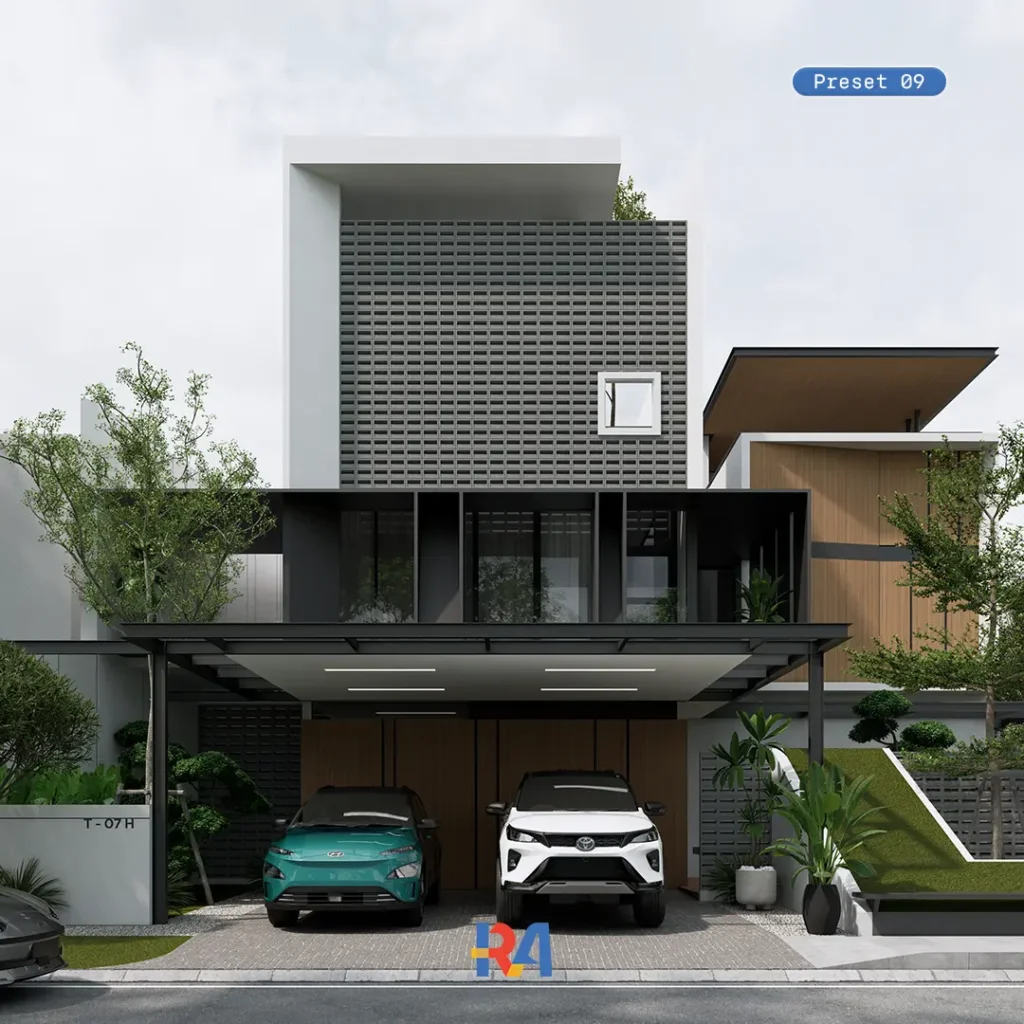
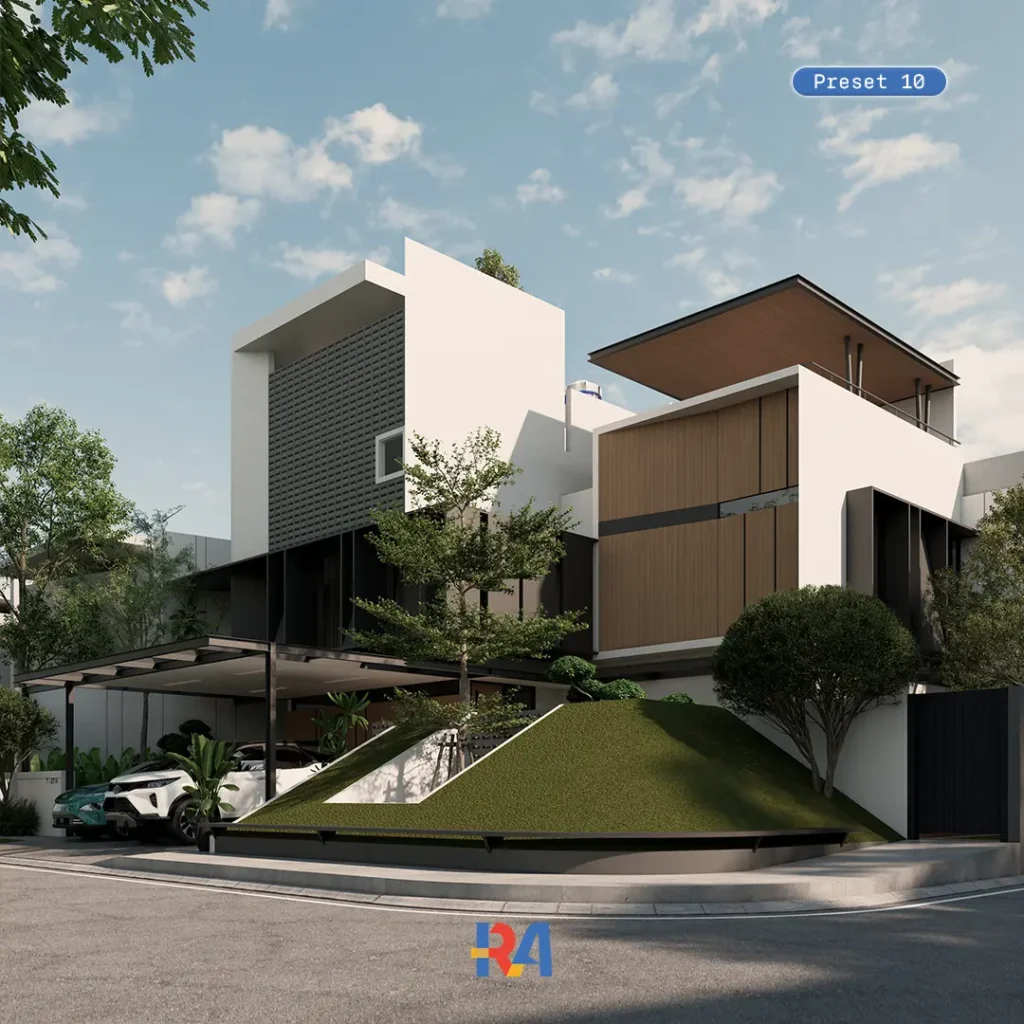
Stop spending hours fine-tuning Enscape settings just to get natural daylight right. This pack gives you 10 ready-to-use, professionally calibrated presets that deliver realistic sunlight, accurate color tone, and a cinematic atmosphere in a single click. Built for architects, interior designers, and 3D visualizers who need fast, consistent, client-ready renders.
Whether you're presenting to a client, building your portfolio, or putting together a quick concept review, these presets save you hours of manual lighting setup without sacrificing realism.
What’s included
10 Realistic Enscape Presets (Day Scene), instant natural lighting and color tone
Complete step-by-step video tutorial, beginner to advanced friendly
3D exterior model (.skp format)
4 high-poly vehicle assets, pre-configured and ready to drop in
Exclusive premium Enscape assets
Curated 4K-16K HDRI collection for natural, cinematic lighting
Ready-to-use 2K-8K PBR materials
Pre-configured material package, import and auto-set
Built for fast, client-ready renders
This pack works whether you’re rendering a single hero shot or producing a full set of consistent visuals for a complete presentation deck, keeping every image polished and on-brand. The clean setup also lets you study how each preset is built, so you can learn while you work.
Need a fully custom render instead of a preset pack? Check out our architectural visualization services.
Software compatibility
Works with Enscape inside SketchUp, Rhino, Archicad, Revit, and Vectorworks. Enscape 3.5 minimum, with 4.0 or newer recommended for best performance.
LICENSE
Licensed for single-user personal and commercial use. Resale, redistribution, or modification for resale is not permitted. As this is an instantly-delivered digital product, refunds are not available.
FAQs
01
Which button should I click "Beli Sekarang" or "Buy Now"?
Both buttons give you the exact same product. The difference is currency and payment method.
Beli Sekarang (Lynk.id), for Indonesian buyers: payment in IDR (Rupiah) via bank transfer, virtual account, e-wallet (GoPay, OVO, DANA, ShopeePay), or QRIS.
Buy Now (Payhip), for international buyers: payment in USD via credit or debit card (Visa, Mastercard) or PayPal.
02
What software do I need to use this product?
Enscape (minimum version 3.5, 4.0+ recommended) running inside SketchUp, Rhino, Archicad, Revit, or Vectorworks. No other paid software is required beyond your existing CAD application and Enscape license.
03
What file formats are included?
Enscape preset files, a 3D exterior model in .skp format, HDRI files, PBR materials, pre-configured vehicle assets, and a step-by-step video tutorial.
04
How do I download my files after purchase?
You'll get instant access via a Google Drive link delivered right after checkout, along with a Download Instructions PDF that walks you through every step.
05
I can't open my files or the preset won't load. What should I do?
Double check your Enscape version is compatible, then follow the included video tutorial. Still stuck? Reach out via Instagram @rifki.archviz or email rifkiarchviz@gmail.com — happy to help.
06
Can I use this for commercial client projects?
Yes. The license covers personal and commercial use for a single user. Reselling or redistributing the files themselves isn't permitted.
07
Do you offer refunds?
No. As this is a digital product that is delivered instantly upon purchase, all sales are final. Please review the product description and preview gallery carefully before buying.